When I tried to play a video saved on the TS-264, I received the message: “To play this video file format, you need to install Video Station and CAYIN MediaSignPlayer from AppCenter and activate the CAYIN MediaSignPlayer license. To play HEVC (.mov) files, you need a CAYINMediaSign Player Plus license.” After following these instructions, I then got another message: “The codec for the audio format (AC3) is not supported.” I cannot play the video from my computer, and on my iPhone, only the video plays without any sound. I have saved a large number of important videos and am having trouble.
2 Likes
How is video playback being performed in this case?
a. Is it via QNAP apps such as Qfile Pro or QuMagie?
b. Is it playback through myQNAPcloud using a browser (Safari?)?
c. If you are accessing from a computer (Windows? Mac?), are you mounting the shared folder by connecting to the server?
d. Is it playback by connecting the TS-264 to a TV via HDMI?
(Although I am checking on an Android device) On my end, I am able to correctly play HEVC format videos saved on the TS-264 using QuMagie.
When trying to play from Windows 10, Windows 10 itself does not support HEVC playback, so it prompts to add the HEVC codec.
CAYIN MediaSign Player is licensed with the Plus version.
I hope this information is helpful.
1 Like
The original video data that cannot be played is an MPG file (.mpg). Around 2006, I created the data from a DVD and saved it to an external HDD on my computer.
This video data cannot be played on QNAP.
For video playback:
-
When playing the saved video data from a computer (Windows 11) via Wi-Fi → web browser (Chrome) → QNAP Web Management Interface → File Station 5 → a message appears saying “The codec for the audio format (AC3) is not supported,” and the video cannot be played from the computer.
-
When playing the saved video data from an iPhone (13 Pro Max) via Wi-Fi or mobile data → Qfile Pro app → a message appears saying “This audio format is not supported,” and while the video image can be played from the iPhone, there is no sound.
-
Shared folder and myQNAPcloud are already set up.
-
Playback is not via HDMI connection from TS-264 to a TV, etc.
-
When accessing TS-264 with the QuMagie app on iPhone, video data saved from the iPhone is played correctly.
-
Videos (MP4 files (.MP4)) saved with File Station 5 from Sony α7cⅡ, etc., play correctly on a computer (Windows 11).
-
The CAYIN MediaSign Player Plus version license (paid) has been applied.
-
As I write all of the above, I wonder if it would be possible to play my large collection of old video data MPG files (.mpg) and audio format (AC3) codec on QNAP if QNAP supports them. Is that possible?
I would really like to be able to watch my precious old video data—MPG files (.mpg) saved on the TS-264 I purchased recently—on my computer or iPhone.
2 Likes
When codecs come into play, it actually becomes the most complicated issue.
The fact that QNAP NAS does not support playback by decoding/transcoding AC3 is exactly this type of problem.
- If you try to play on the PC side using a browser like Chrome, the original video format cannot be played directly by Chrome, so the real-time transcoding function is automatically activated. However, since AC3 cannot be decoded, you end up with a situation where the video is displayed but there is no audio output.
Alternative: Install software like VLC, access the NAS over the network via SMB, and play the file with VLC. This should allow the audio to be output normally.
- When playing files on a smartphone, if you select the option not to transcode, there is a possibility that the file can be played directly depending on whether the smartphone itself supports that format. This is a similar approach to using VLC as mentioned above.
1 Like
[quote=“HanzSung, post:4, topic:1356”]
I tried an alternative solution. I installed VLC on both my PC and iPhone, accessed the NAS from the network, and when I played the videos with VLC, the audio output worked properly!
The VLC settings on the iPhone were a bit tricky though…
In any case, I’m thrilled that I was able to play nostalgic videos from my device (iPhone) while away from home! Thank you for your great support and advice!
[To QNAP: Please make the TS-264 compatible with the audio format (AC3 codec) of MPG video files (.mpg)]
1 Like
Wifi communication on PC (Windows 11)
Regarding this, rather than watching videos via browser + File Station, I think it’s better to access “\IP address” directly in Explorer and play the files directly.
Wifi and mobile communication on iPhone (13 Pro Max)
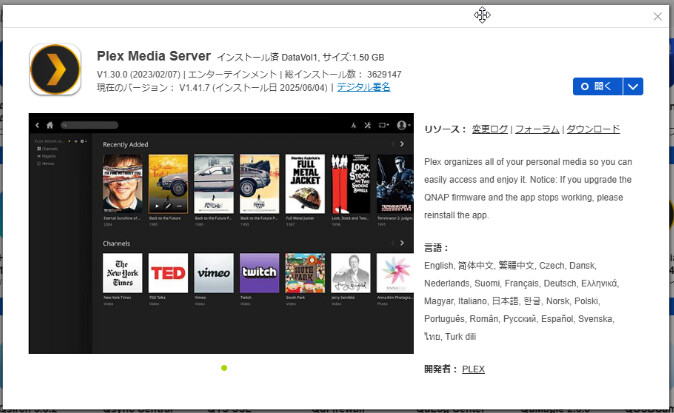
I’m not an iPhone user, so I’m not sure if it’s supported, but I use an app called Plex (it’s available in AppCenter but is a non-QNAP app).
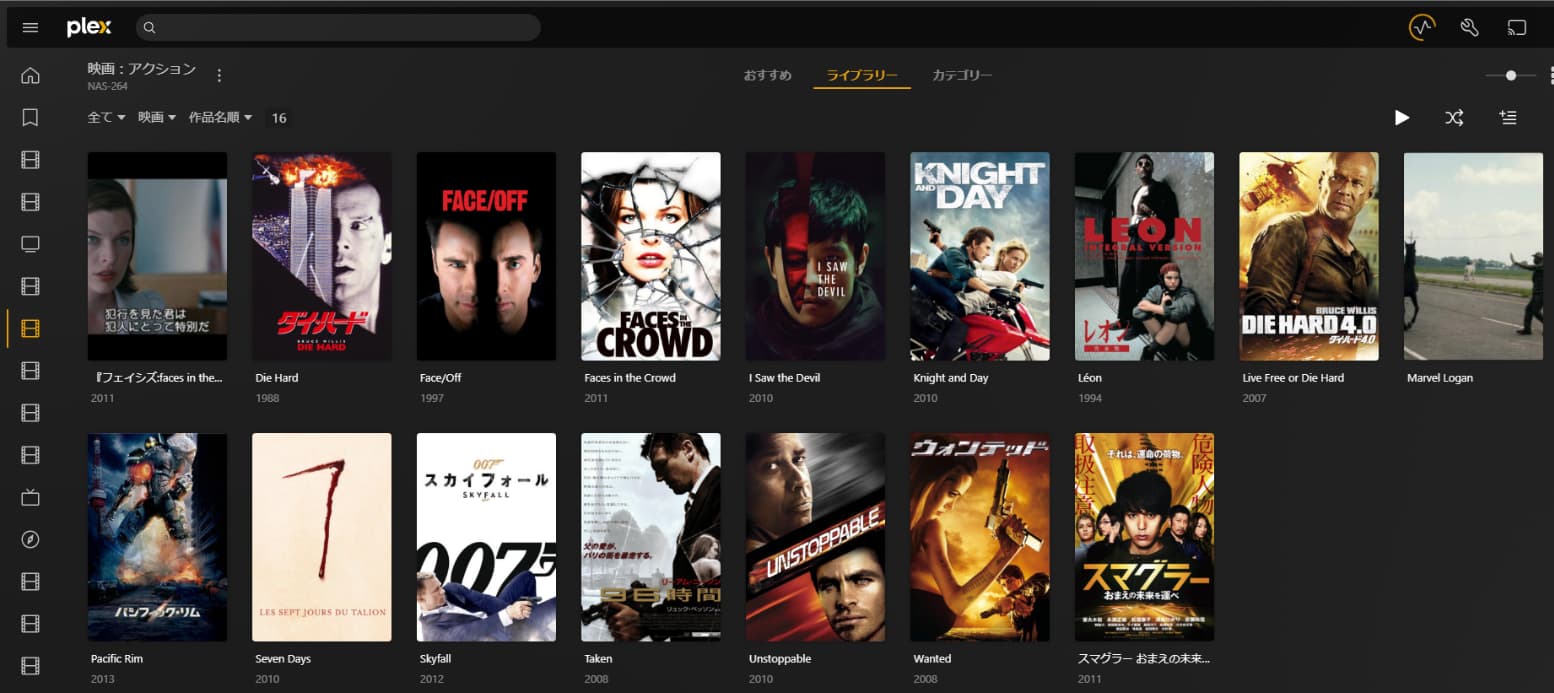
You can watch content even from outside your home, and it can transcode for mobile, allowing you to view content outside your home with a reduced bitrate.
You can manage titles in a jewel case-like style like this.
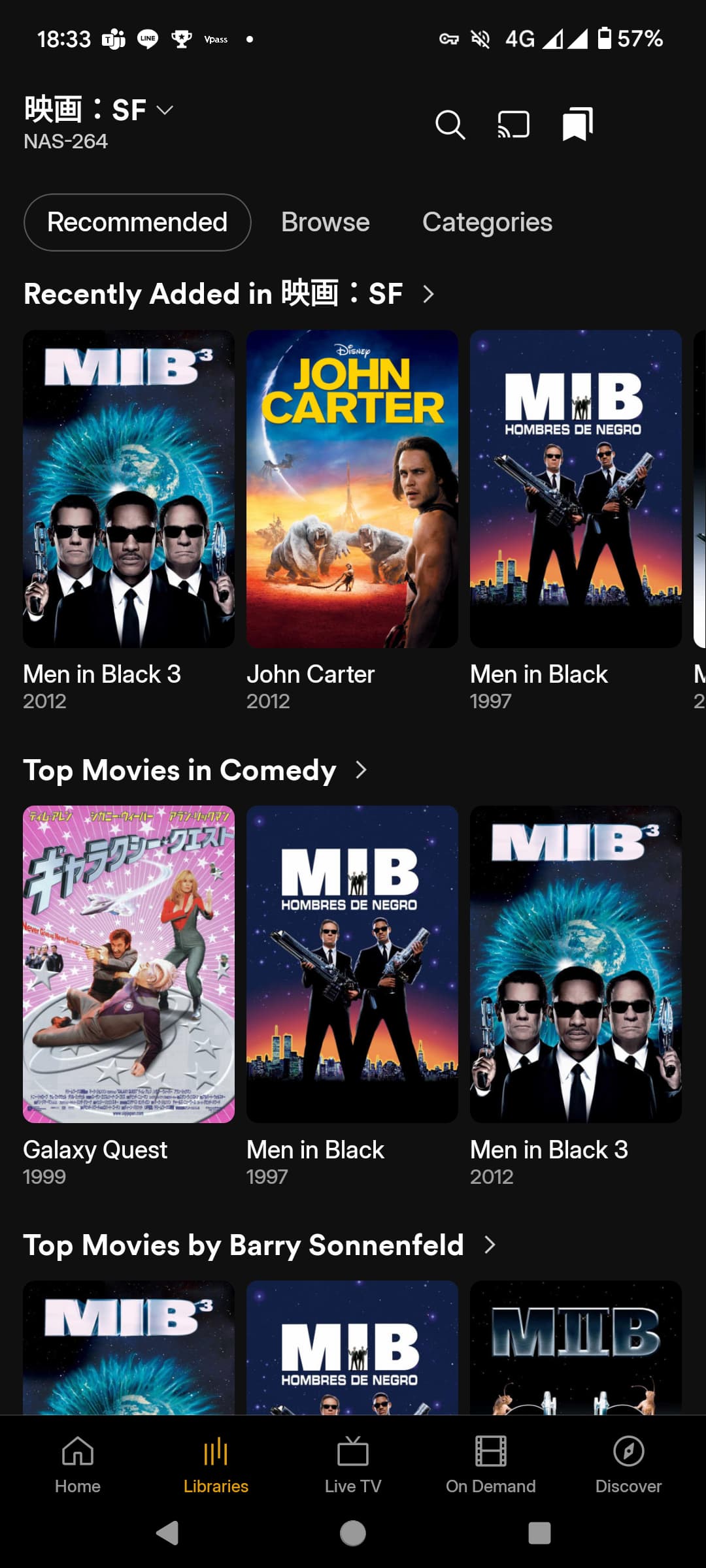
You can also access it from outside your home using the Android app.
Since my home TV is an Android TV, I can also watch NAS content from the TV by installing the Plex app.
I haven’t experienced any codec-related issues while using Plex so far.
(Sorry for getting off-topic… but I probably store similar media on my QNAP TS-264, and this is how I use it, so I’m sharing this information…)
1 Like
I installed the Plex app on my iPhone.
Can I access the TS-264 from outside my home using Plex?
You can access it from outside your home as well. (In the screenshot from my previous post, I was connected to my home Plex server from an Android smartphone using a 4G connection.)
However, in my environment, I needed to set up port forwarding on the router.
I changed the port numbers between the NAS and the external-facing port on the router, taking some security precautions when configuring it. I hope this information is helpful.
I hope this information is helpful.