Do not mix up RAID wih a backup, even with RAID you need a backup.
So you had a single disk, no RAID AND no backup, so what was the plan for the inevitable disk failure ? (a NAS is not magic and prolongs your disk life forever)
Depending how important the data on your NAS is, contact a data recovery specialist to secure the data on your NAS (no, you cannot simply connect the drive to any Windows or Mac computer , they cannot read the drive) As long as the drive still works, chances are good, that the costs are managable. If the drive died, then it will be much much more expensive.
Anything random changes you do to your NAS, could erase the data on it.
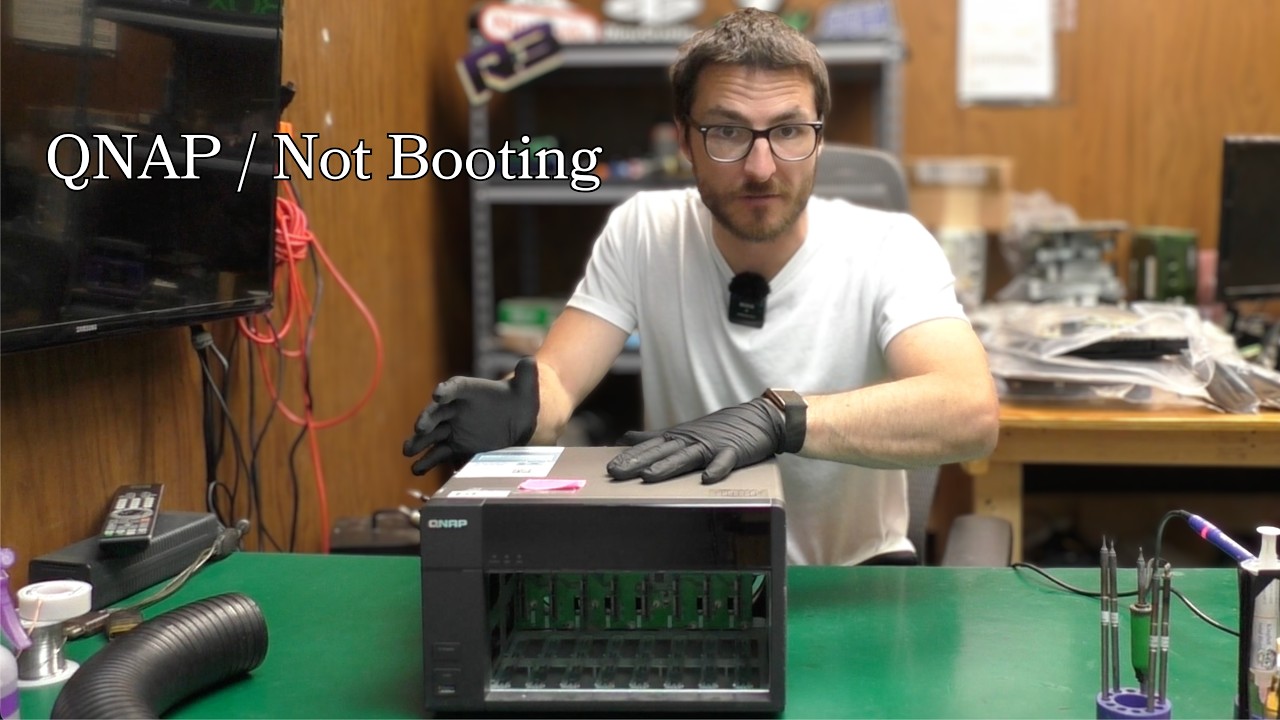
If it is at all of any help, i have the TS-253 pro running still. Almost 2 years ago, i got this same symptom (red flashing, not booting) → LPC issue. Fortunately, it was temporarily solved (need to find the guide again).
While the prediction back then was at most 6 months more life in the device, I’m now close to 2 years in with this fix in place and its still working 100% (i hope i don’t jinx it now…).
But if the worst happens, its nice to know that there are upgrade paths availble that potentially allows you to reuse existing disks at least…
Nobody really knows how long it would take for the signal to degrade further on an individual unit, so not sure where you got the 6 months prediction from
That was something i read on the (old) qnap forums site on this particular subject. Of course, if it is really unknown, I’m happy as i can basically postphone a new hardware upgrade for a little while still (until it becomes unevitable)
 ).
).