Hello, I’ve had the TVS-1688ATX for about a month now.
Overall, the NAS runs well, except for the slow support.
The following issues have not been resolved by support so far:
Drive Analyzer (paid) isn’t working
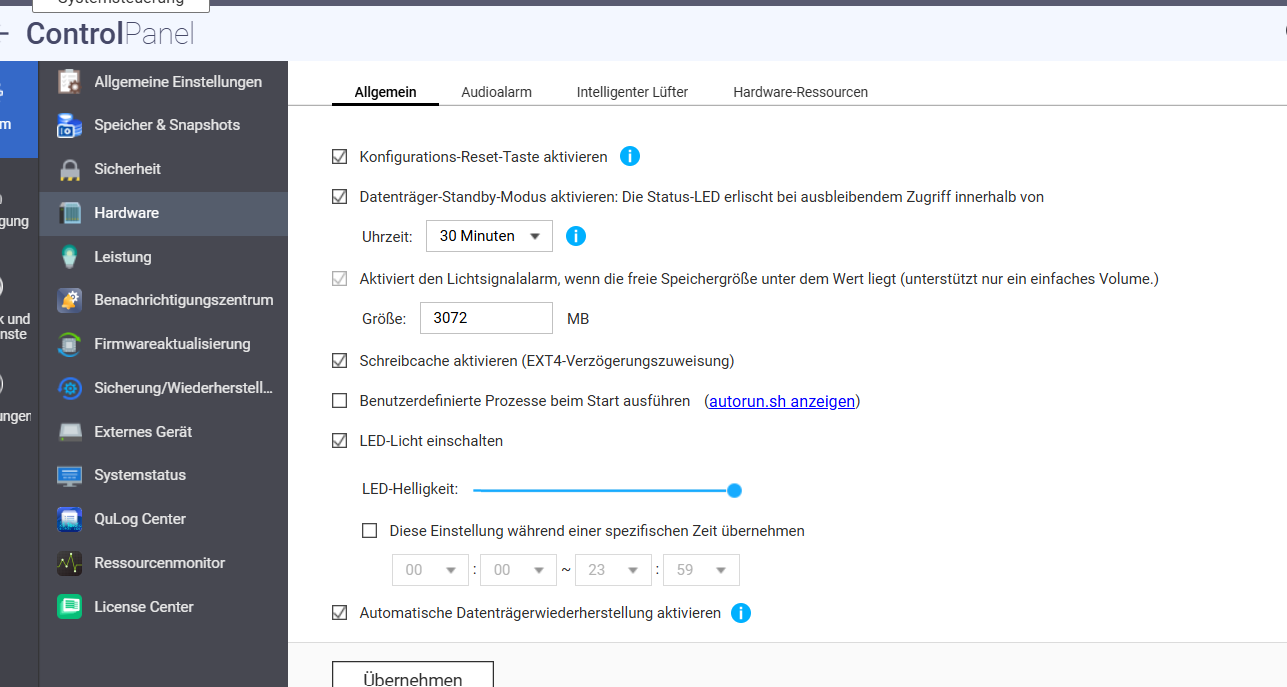
None of the HDD or SSD LEDs are working (both HDDs and SSDs are installed)
The Music Player can’t be installed
SSL Encryption license can’t be applied to Cloud
Multimedia Player doesn’t play DVD formats at all
My operating system: Win 10 Pro
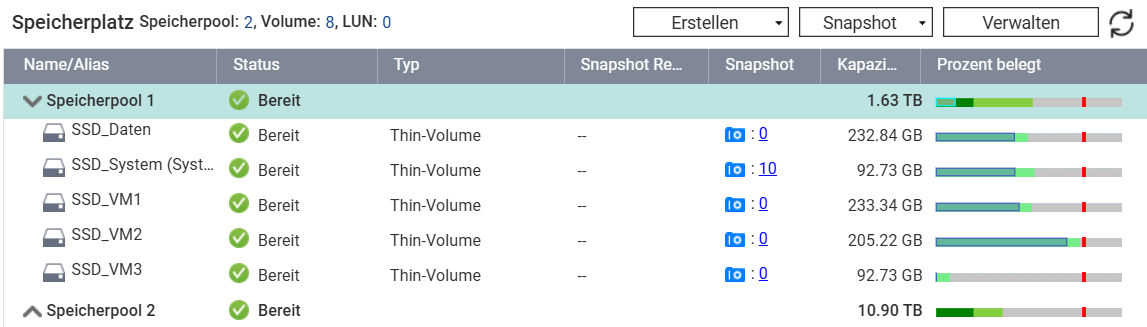
The NAS has 2 memory slots each with 96 GB installed as per instructions. The firmware is current, not a beta version. A total of 8 HDDs at 4 TB each and 2 SSDs at 4 TB each (cache) are installed. Is there any way to check if the HDD status LEDs are connected properly without having to “take apart” the NAS?
What’s being attempted here? Having a NAS open to the internet is a really bad idea.
Depending on various apps is also unnecessary. What kind of apps are supposed to be for DVD playback? Just use the NAS as a server and play music and movies through clients.