OK. What happens if you try to edit that bit? And is this in Network and Virtual Switch? At the very least it should resolve to a 169.254 address you would think…
What happens when you click on the button to edit?
If you want more help, you may want to provide more information..
You can also open a ticket with QNAP support directly.
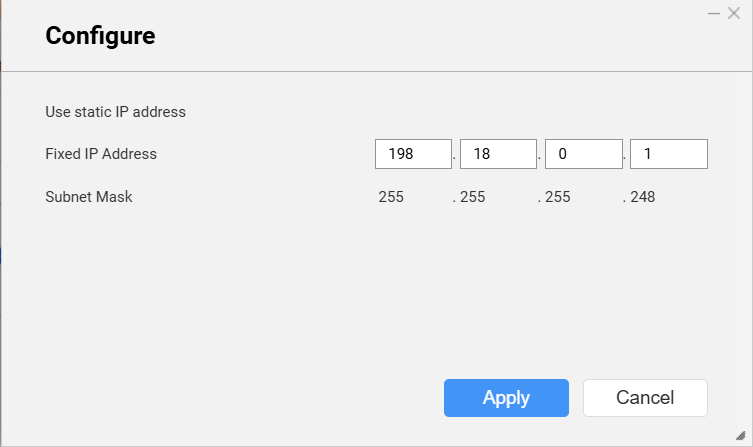
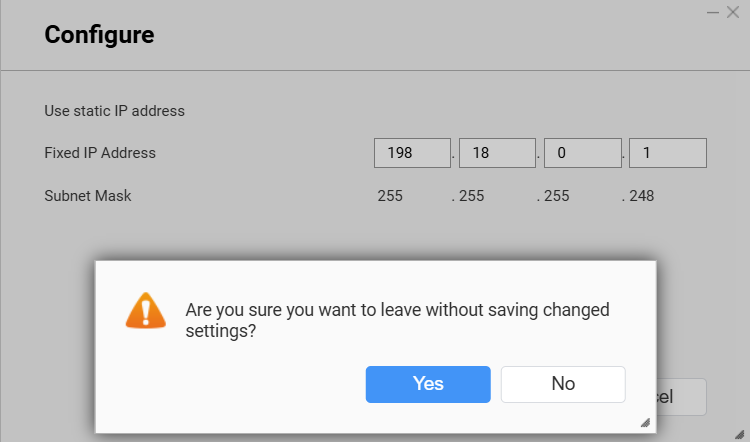
The subnet beginning with 198 is not a private IP subnet. So it’s possible QNAP is not allowing you to use that address… Do you mean to use 192?
I would use a private subnet completely different from your local network so that your adapter on your computer knows where to send the traffic.
What happens if you hit apply and then hit the close button up in the upper right?
Understand that I can’t configure anything there. Nothing can be changed there.
Just open a support ticket with QNAP then
https://www.qnap.com/en/how-to/faq/article/how-do-i-open-a-technical-support-ticket-with-qnap
So QNAP added in the 198.18.0.1 address then?
Yeah, I would open a ticket.
I open a ticket. Now I’m waiting.