Hi @Nightwing
Thanks for opening a ticket! Our Support Team will assist you.
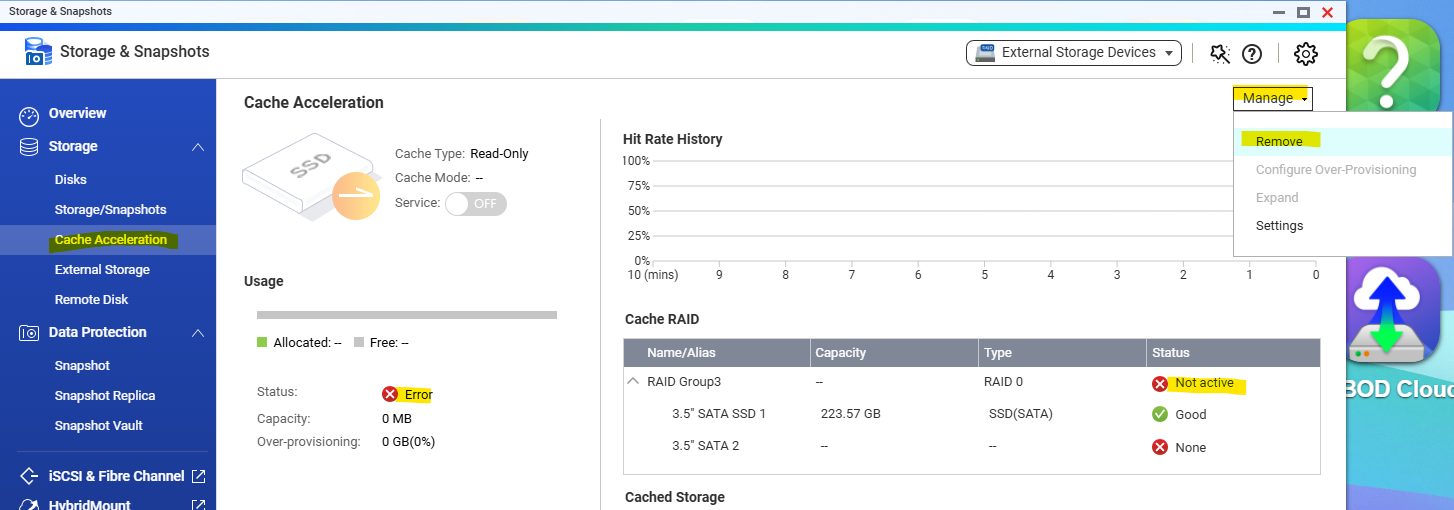
Additional information for everyone, here’s how you can remove your SSD cache directly through the UI:
-
Storage & Snapshots > Cache Acceleration > Manage > remove
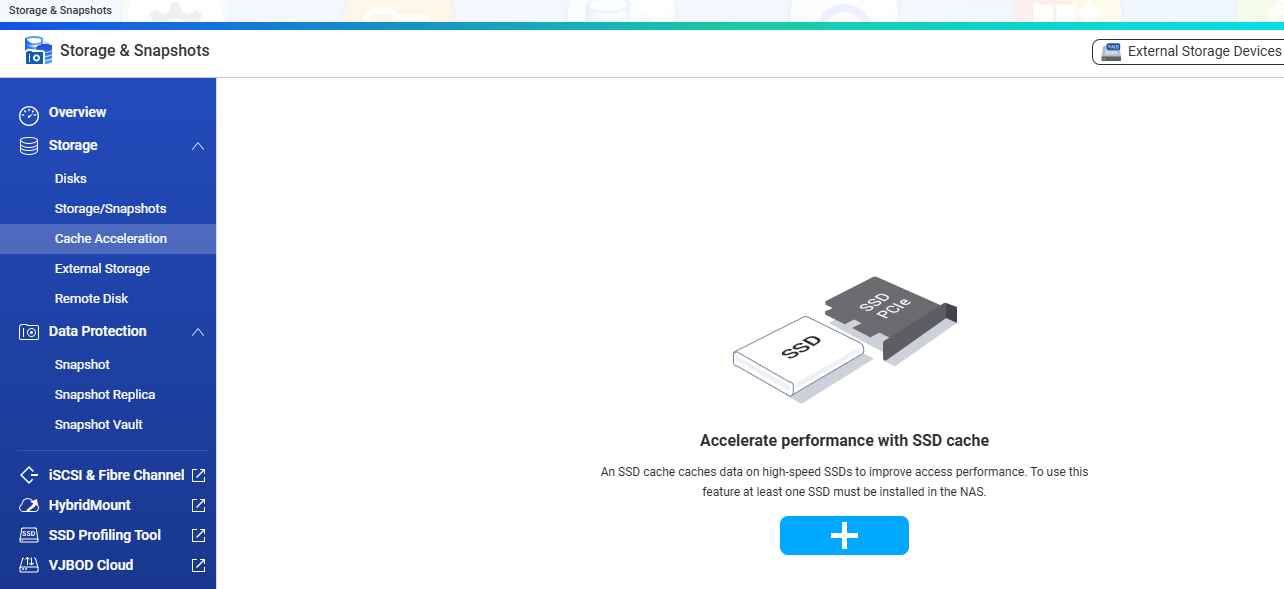
Removed successfully
-
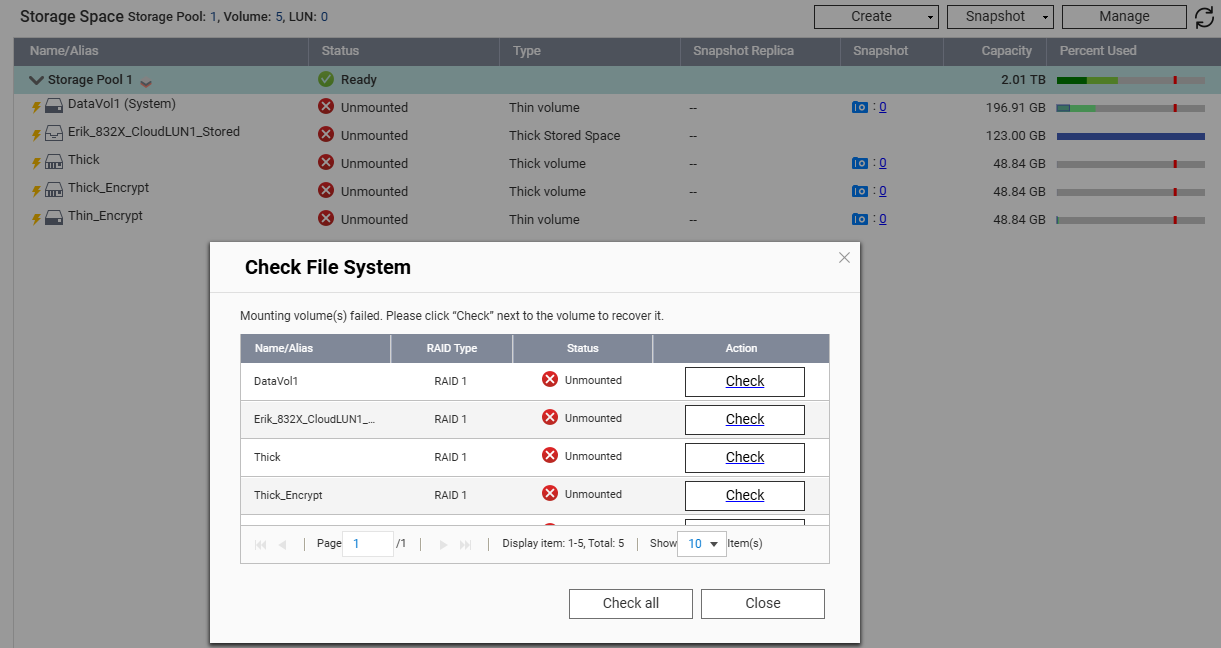
After removing SSD cache , re-launch "Storage & Snaposhots > Storage/snapshots , it will auto popup “Check File System” dialogue
-
To do “Check File system” (Click "Check all)
-
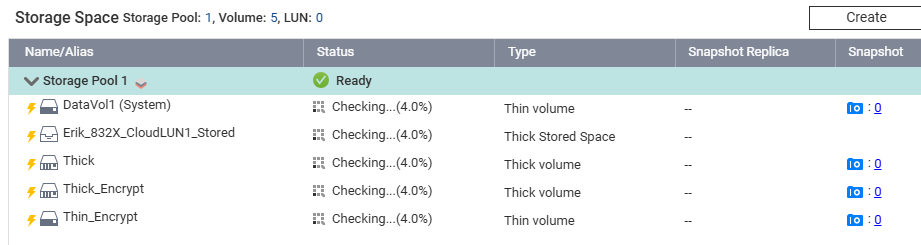
All Storage back to Normal state