The warning message from your firefox looks bit different than mine. However, you can still click “Show Details” and see if have any options to “Ignore” this warning.
The reason is because the NAS, by default, uses a self-signed certificate to claim it is the server you wants to connect to. And this is normal because a valid SSL cert usually costs.
However, you can also try to use letsencrypt to get a valid free SSL certification from myQNAPcloud Link Application.
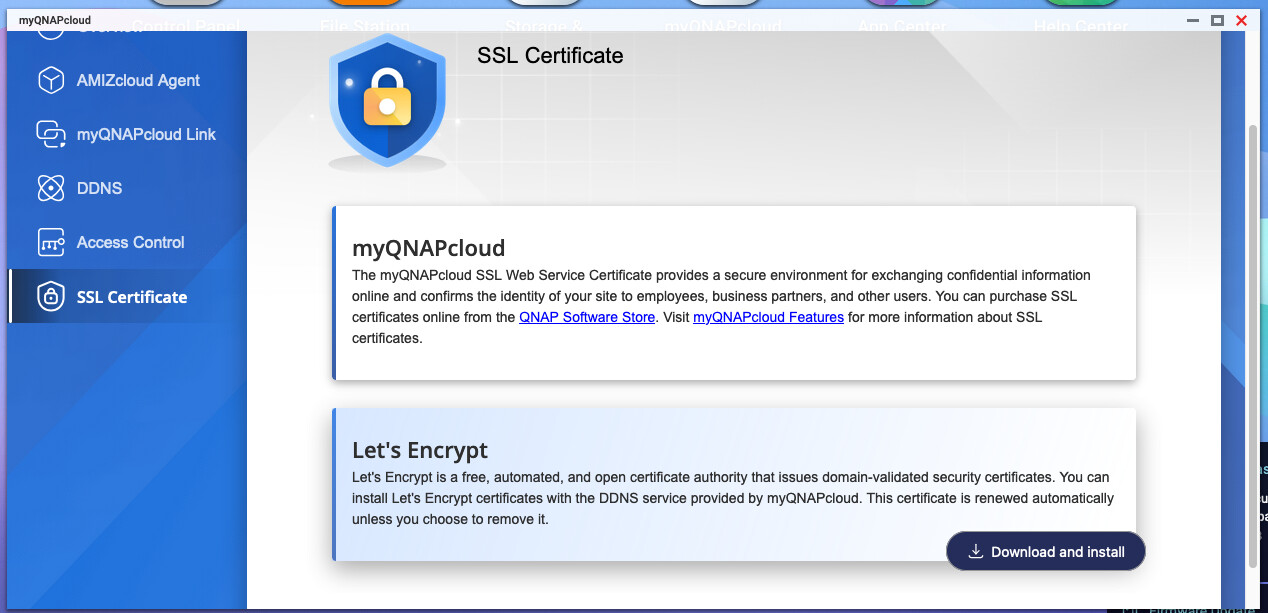
Once the SSL certificate imported, the Warning should disappear.
In this case, you have to login myQNAPcloud ID on your NAS.