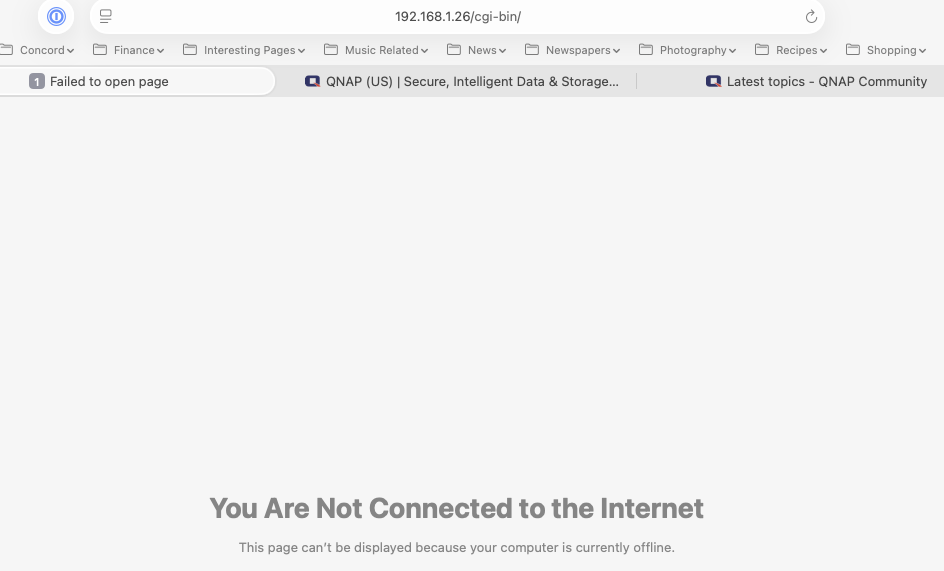
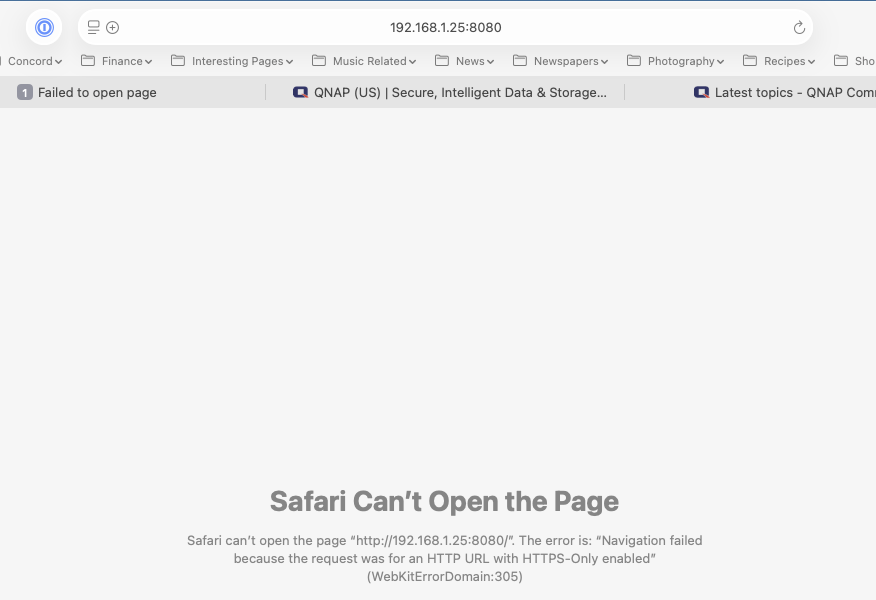
I’ve permitted Firefox to have access to my local network. The drives are used for backup purposes and as a music server. I don’t access them from outside the house so don’t really need myQNAPcloud services.
Any assistance to get my access back would be greatly appreciated.
No, those are from Safari. With Firefox, when I try to access them I didn’t get anything. However after closing out and checking before replying to you, I can access them using Firefox if I use “Firefox Suggest” links that I’ve used in the past.
Given that the NAS units and drives are about 6-7 years old I’m wondering if I should buy new units and drives and if that will also solve the access issues I encountered at the end of 2024 and again this morning.
Because I use Safari more than Firefox, I would like to be able to address the access issue when using Safari.
The error is “navigation failed”, seemingly to indicate you can’t connect to 192.168.1.25. What is your IP and subnet? How are you connected to the NAS (switches, router, etc)?
Basic functionality should work regardless of the age of the NAS.
You could try a 3 second reset to put things back to default and reset to HTTP instead of HTTPS if you are having certificate issues.
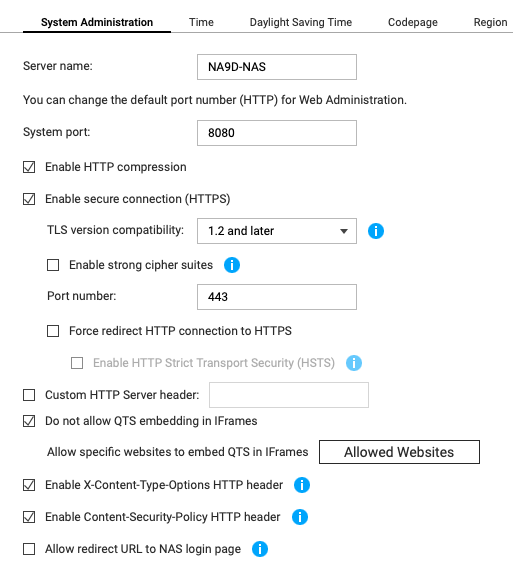
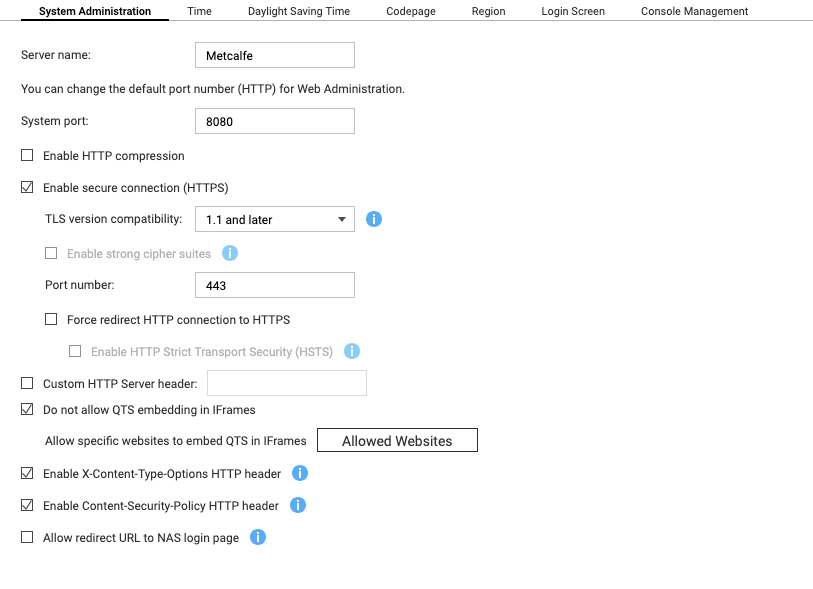
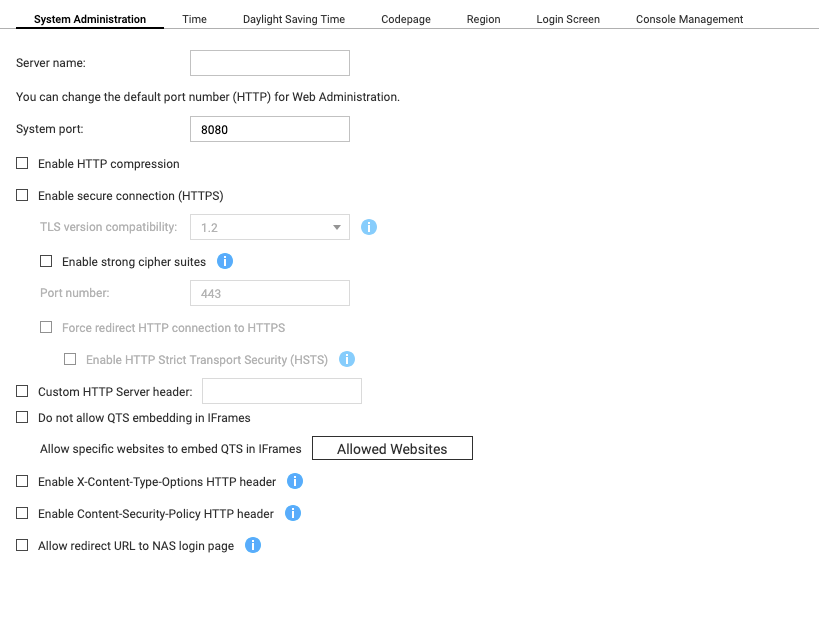
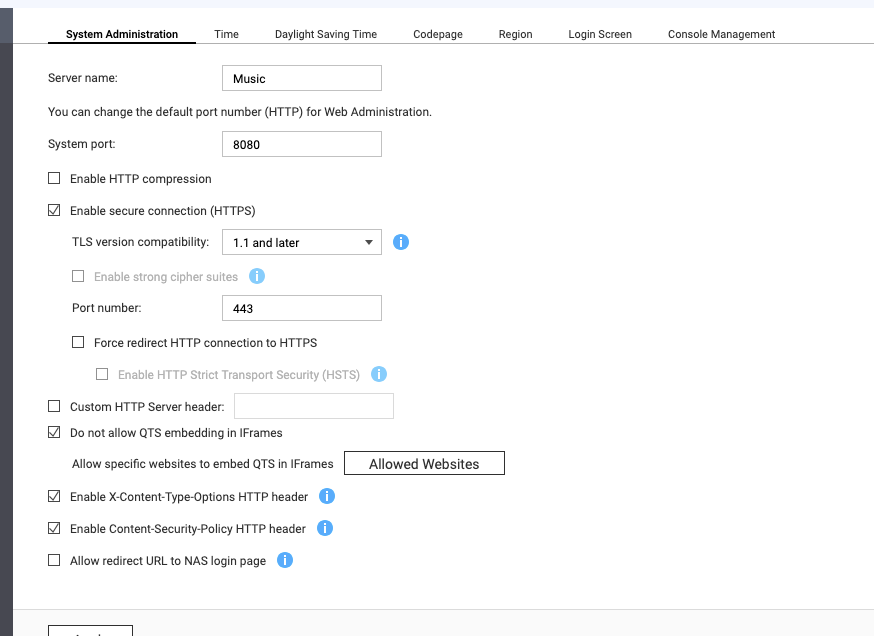
Here are my two screens. One is identical to your’s except I have TLS version compatibility to 1.1 rather than 1.2
The second is completely different and I’m not sure why (other than I’m a novice and my have changed settings either inadvertently or for some unknown reason.
I’m now using Firefox to access the NAS units. I had been able to do so with Safari until about three weeks ago. Only change is upgrading to Tahoe however I’ve checked the Privacy settings in Tahoe however they’re not different than what I had before.
Regarding the situation you reported, our internal team has attempted to reproduce it several times, but we were unable to replicate the issue. May I ask if you are still experiencing this problem?
If the issue persists, please submit a support ticket to us so that we can further investigate and assist you with a more detailed analysis of your specific environment. Thank you for your cooperation!
OK. Are you accessing your NAS via HTTPS? There should be no certificate issue if you are using HTTP. THere’s no reason to use HTTPS in a local network.
I can access using Firefox but get a warning that I can proceed with risk. Of course there’s no risk b/c it’s my now network and there is no outside access.
Yes, have tried clearing caches, etc. Very hit or miss on Safari. More often than not I have to use Firefox.