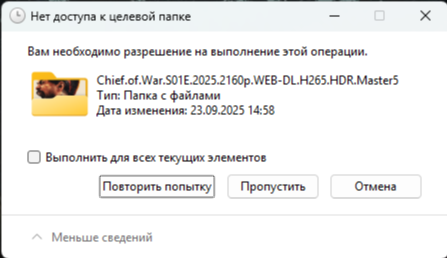
you need permission to perform this action
occurs randomly when copy
i created a completely new user(qnap admin) and this error appears again!
when i click continue copying, it resumes again.
i created a completely new user(qnap admin) and this error appears again!
when i click continue copying, it resumes again.
Is that a copy TO or FROM the NAS ?
TO NAS from win 11 (network storage)
How do you have the share mounted? Is it a static mounted drive with saved credentials?
For troubleshooting, you could try copying these files to an external hard drive and then copying them back to Windows 11 from the external drive to see if the same issue occurs.
If it does, it might be a permissions issue with Windows 11.
yes