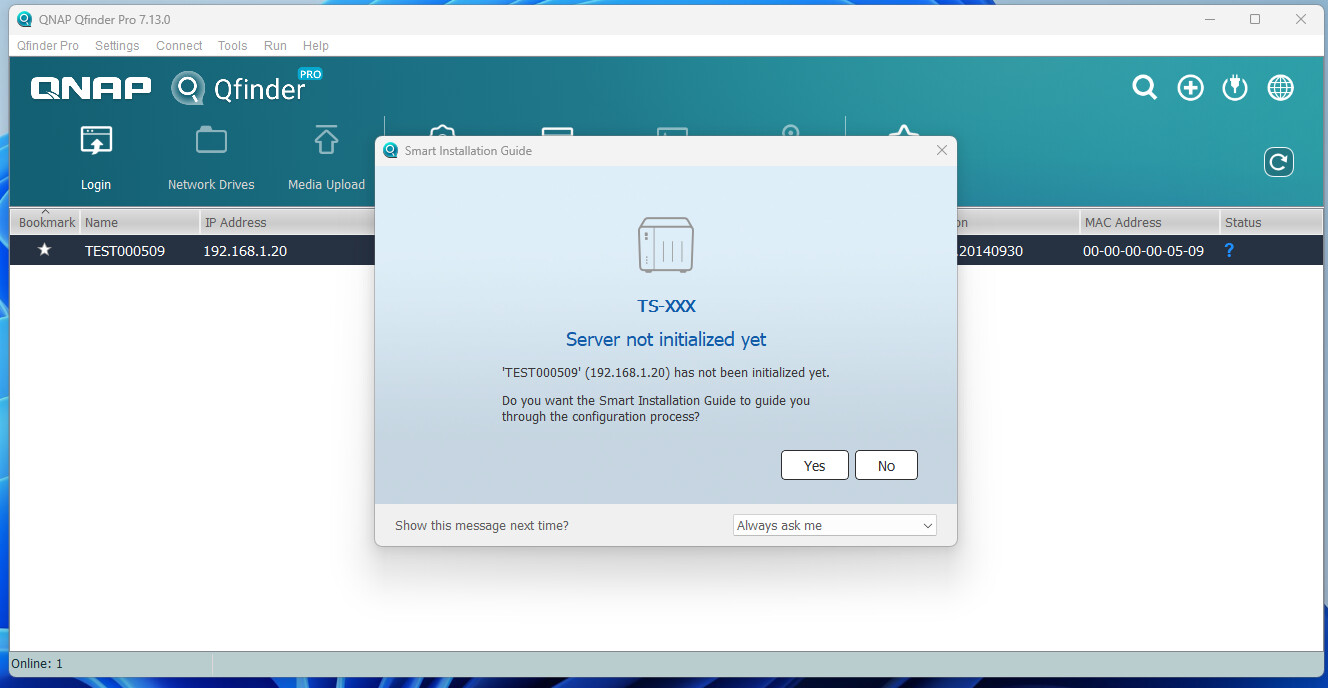
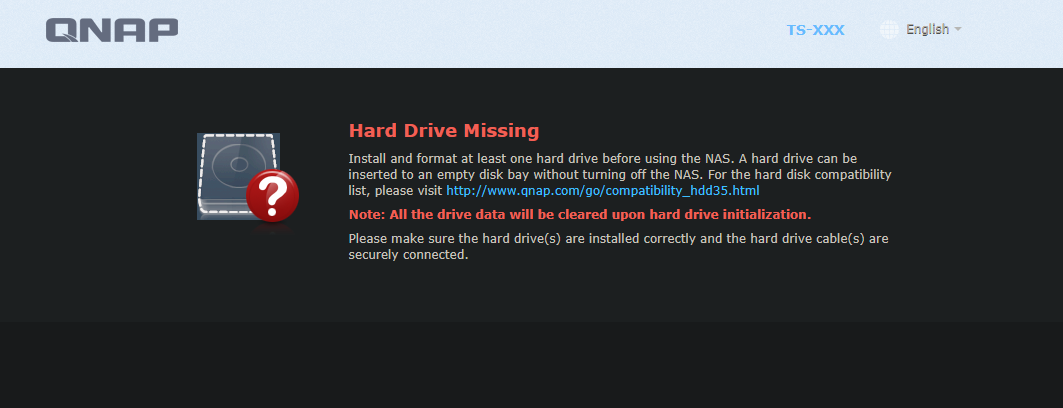
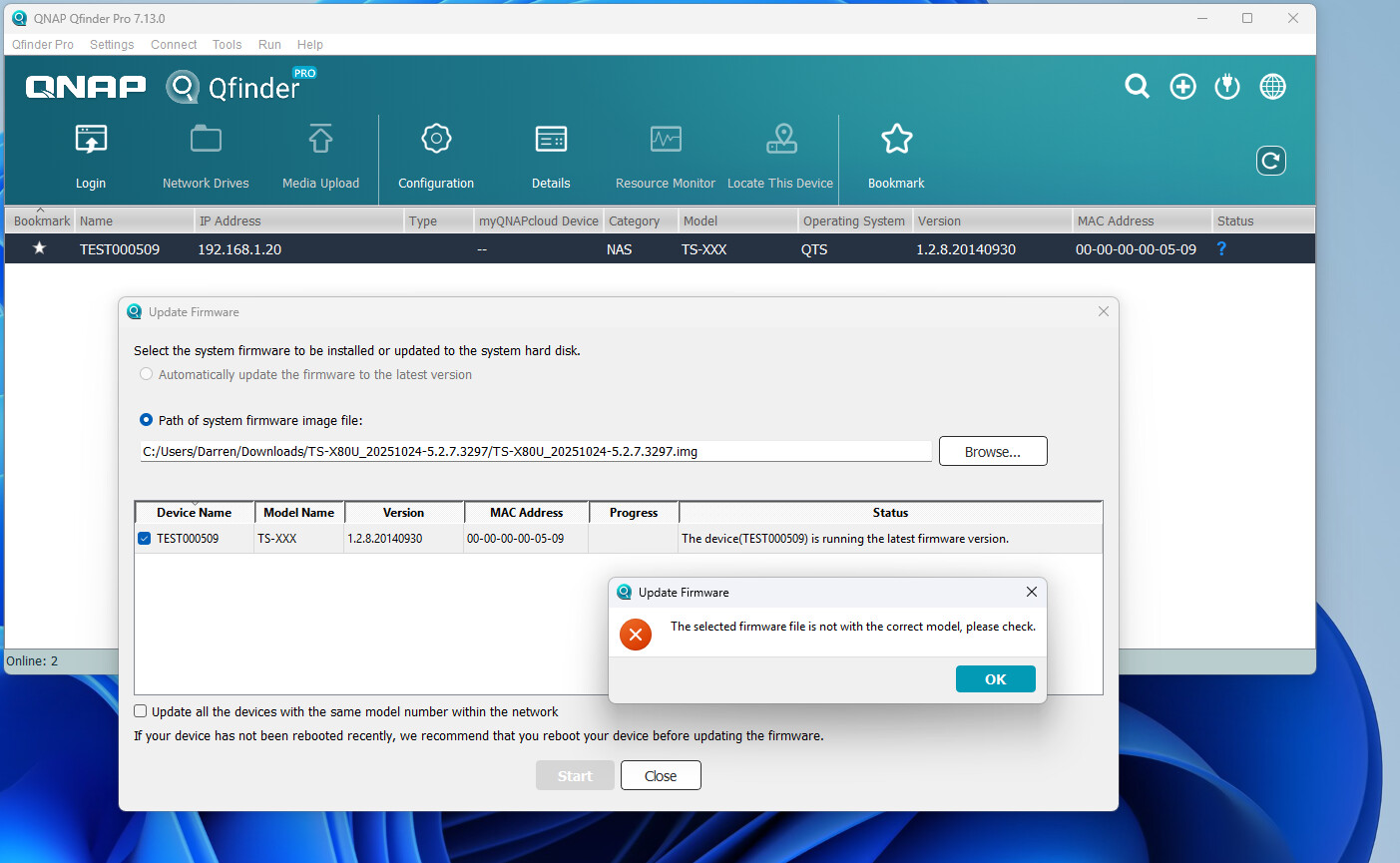
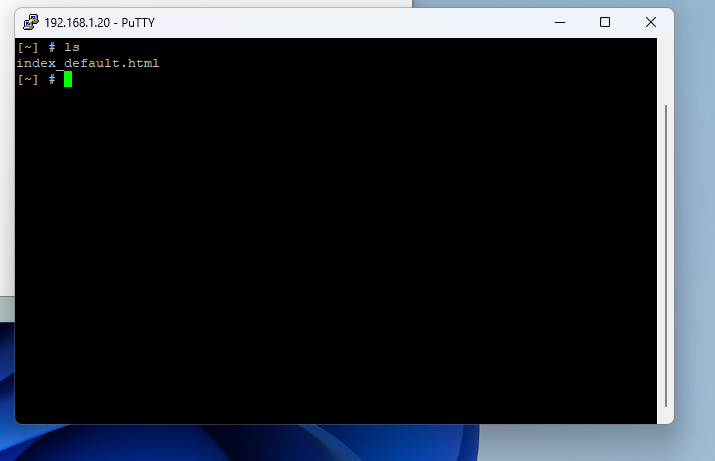
I had to factory reset a tvs-ec1680u-sas-rp and had to redo the DOM, now when I go to initialize the server, I get the following message
Hard Drive Missing
Install and format at least one hard drive before using the NAS. A hard drive can be inserted to an empty disk bay without turning off the NAS. For the hard disk compatibility list, please visit http://www.qnap.com/go/compatibility_hdd35.html
Note: All the drive data will be cleared upon hard drive initialization.
Please make sure the hard drive(s) are installed correctly and the hard drive cable(s) are securely connected.
Hi mate, I was getting an error earlier if I remember correctly, it was stuck on “Starting.” I tried a full reset but still had issues. I googled the error and was advised to redo the DOM.
It now loads and Qfinder can detect it, but it wants to be initialized. When I click Yes, I get the error “Hard drive missing.” All the HDDs have green flashing lights, but I’ve noticed the main storage LED is off. I’ve also tried booting with no HDDs installed and get the same error.
It appears that there might indeed be some issues with the DOM. Please open a support ticket for us, and our Support Team will provide further assistance. Thank you!