Buffy
February 2, 2026, 5:39pm
1
Hello please help .
2 Days ago I was prompted to reset my password on my NAS.
Once I reset the password I had an error message telling me that the details were not correct.
I tried several times.
I powered down my NAS but it was still the same.
I tried the 3 second reset using the button on the rear of the NAS.
I did not hear a bleep
So I carried out the steps in this webpage
https://www.qnap.com/en/how-to/faq/article/im-unable-to-log-in-to-qts-and-the-password-reset-does-not-work-what-can-i-do
This involved turning he NAS off , removing the 4 discs then turning the NAS back on and re-inserting the discs. The full steps I followed are in the webpage.
The NAS then took about 20 hours to build the RAID. Unfortunately , I can only see the files as per the picture. called NAS Map
I have checked the Storage pool and the Data is still on the discs. See picture NAS Storage.
So I hope that I have not lost all my files. Please show me how to see my files again
Many thanks Steve
You probably need to recreate your shares, do so and point them manually to the storage locations (it’s in the dialogue)
Also make sure you create a backup strategy or you WILL lose your files one day
Buffy
February 2, 2026, 6:05pm
3
Hi
thank you for such a quick reply.
As Im a bit of a NAS idiot , would you be able to itemise the steps in simple terms as I do not want to lose over 35TB of data.
Thankfully I also have a TR004 that holds quite a lot of the files , but I would like to get the NAS back to where it was
Thank you
Steve
diwiwi
February 3, 2026, 1:13am
4
Buffy
February 3, 2026, 5:14pm
5
Hi
thanks for the link.
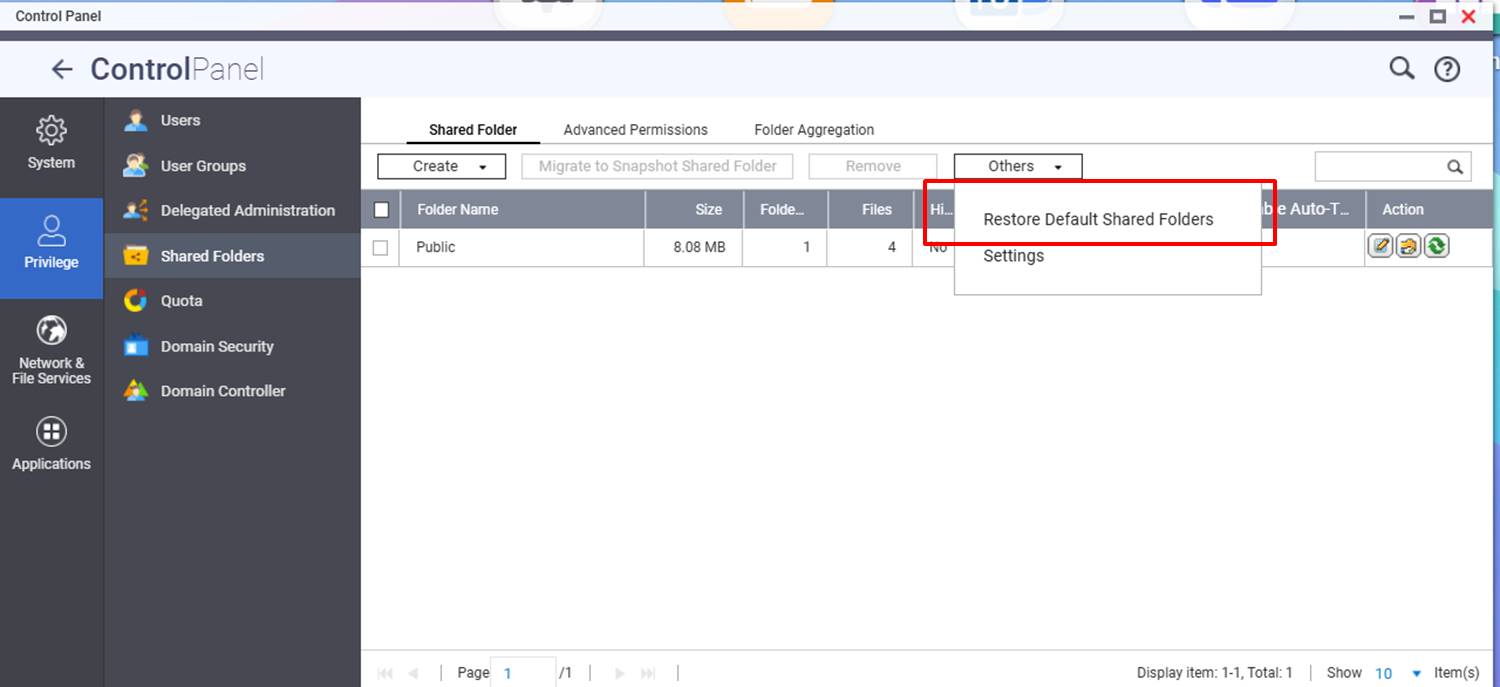
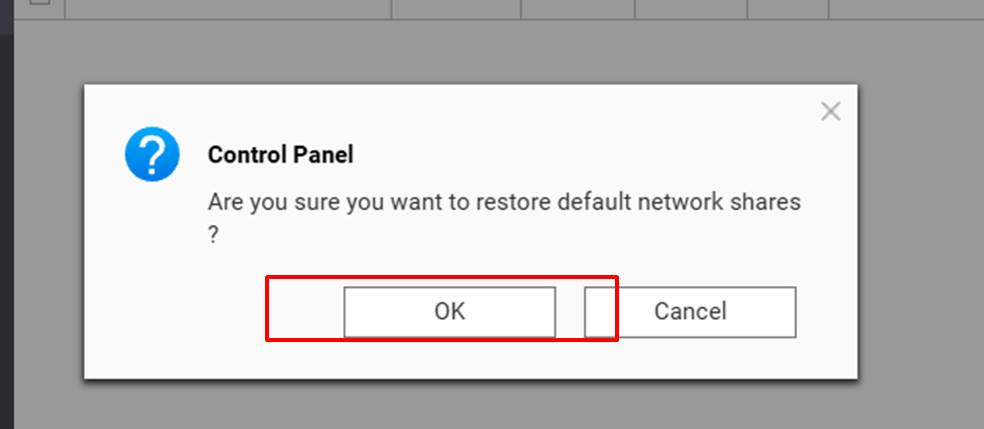
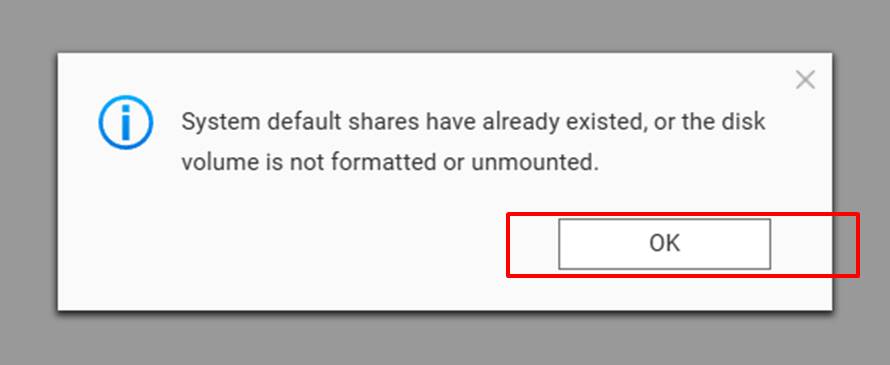
I followed the instructions to restore the default shared folder .
See pictures called
Restore shared folder 1
Restore shared folder 2
Restore shared folder 3
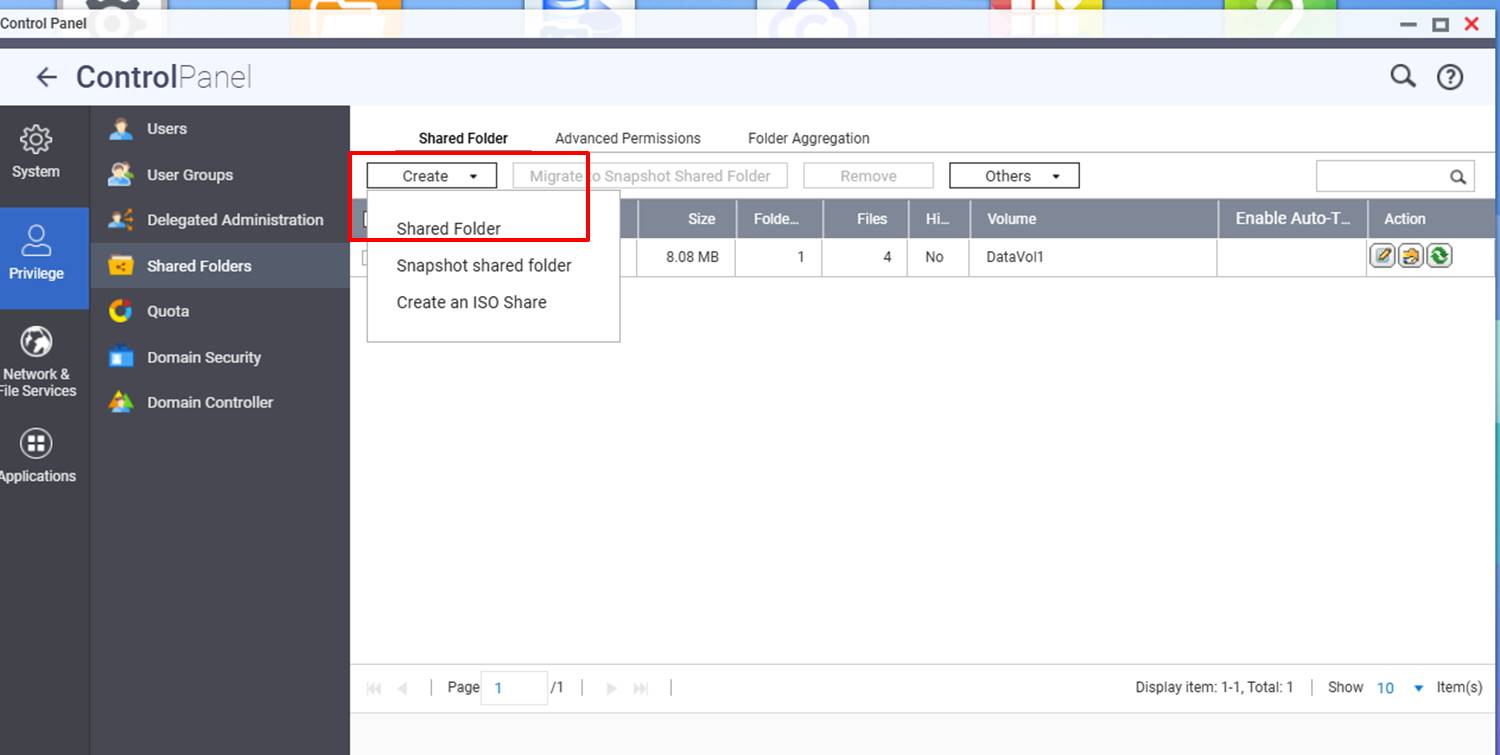
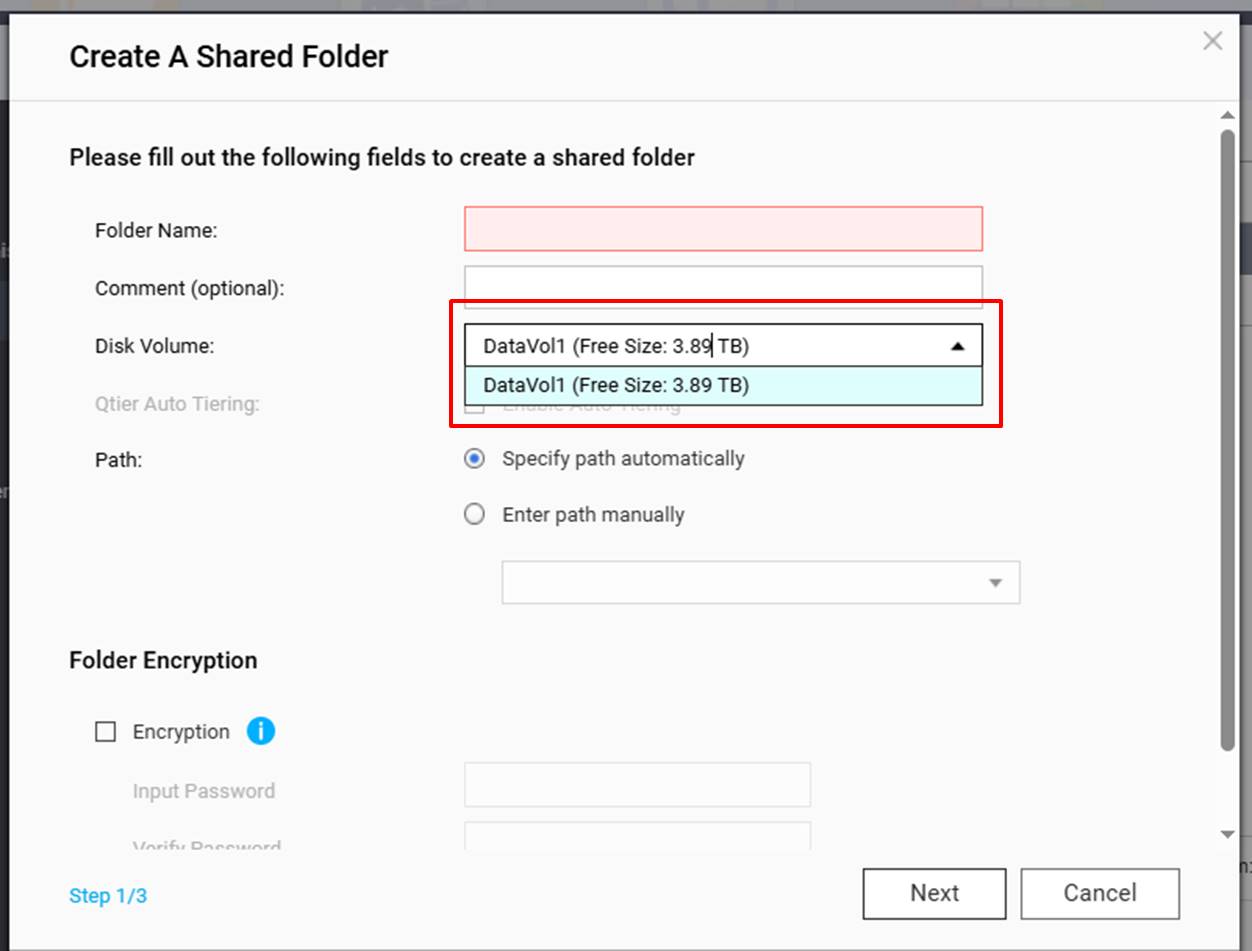
So I looked at creating a shared folder , but this would only use the remaining 3TB of disc space and not point towards the main part of the disc where the data is
See pictures called
Restore shared folder 4
Restore shared folder 5
I really need to be able to see the files in the drive .
At the moment I can only see a public folder
Many thanks
Steve
Please click on “enter path manually” when creating a share