Hello!
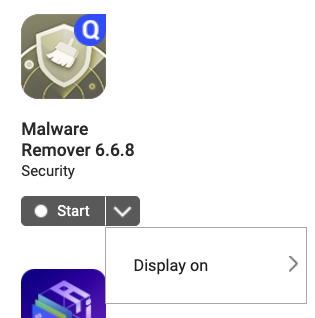
Could someone please help me uninstall the “Malware Removal 6.6.8” app completely from my QNAP NAS TS-251-A?
Thank you very much!
Hello!
Could someone please help me uninstall the “Malware Removal 6.6.8” app completely from my QNAP NAS TS-251-A?
Thank you very much!
I don’t think you can.
It can be uninstalled, but will be auto-installed again by QTS. This is by-design.
I don’t understand QNAP’s rationale for this, but it’s what they want.
Malware Remover is built-in application that can not be removed.
It is a malware removal tool and used to detect and control suspicious programs and enhance system protection.
You can disable it to stop using system resources if there is a real need.
I think the bottom line here is there have been multiple malware attacks against QNAP NAS units. QNAP wants to have this tool installed and running on every device as a precaution and as “good press” so they can show that they are proactive about Malware.
We can argue about whether or not it is effective, but that’s a different story.
@haru0, last I heard, Malware Remover is only installed (the first time) by the user.
Is this still correct, or is it now installed automatically on all NAS?
@OneCD sorry, let me adjust the wording.
Malware Remover is “necessary” application that it will be installed by APP Center with network, only few application is “build-in” to reduce DOM space usage.
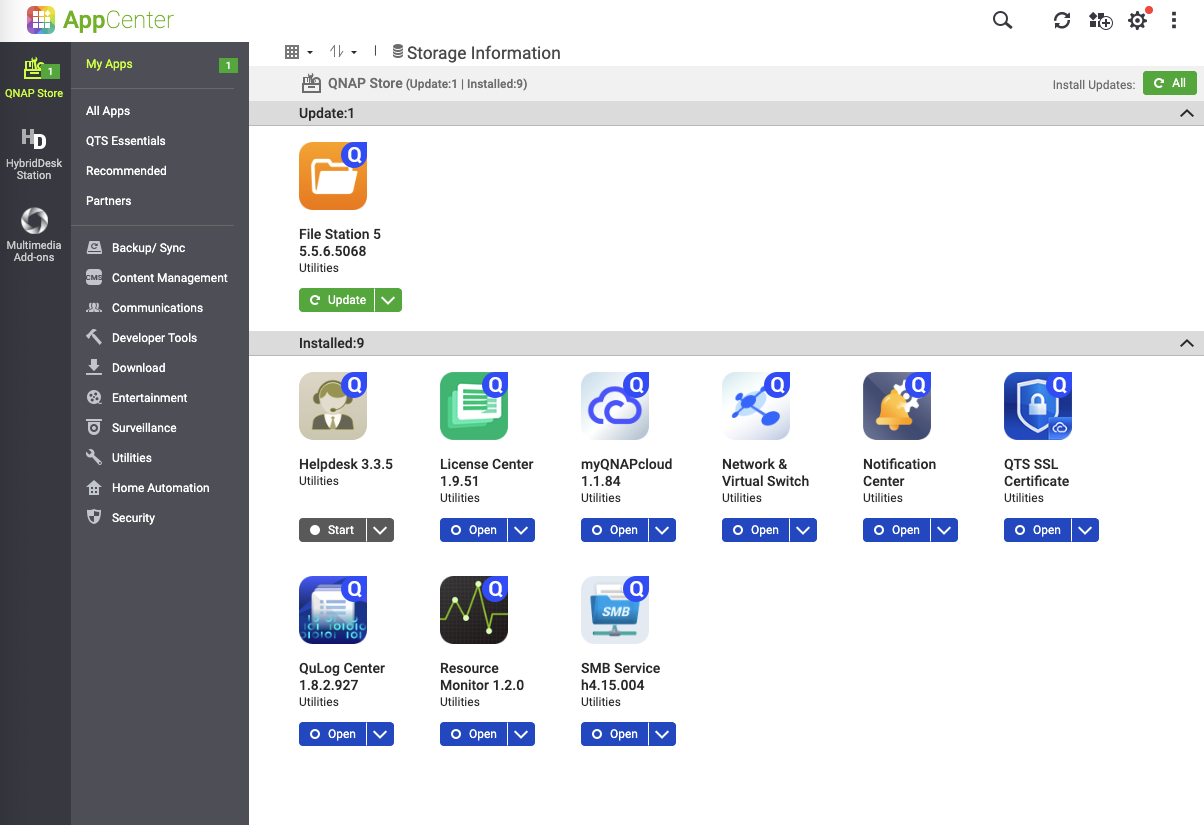
I just initialized a QuTS hero today and this is what the App Center looks like right after initialization. I have not do anything, even the Volume have not been created yet.
A chance for me to reset one of my NAS and see. 
Could you please share the reason why you would like to remove Malware Remover? Knowing your concerns will help us provide better guidance. Thank you!
Personally, I have it disabled and would like to completely remove it, as I will never use it. At least not the way it is now. I have no control over what or where files are scanned or removed. There is no transparency into what it looks for or the actions taken.
If I don’t use a function, such as Malware Remover, Multimedia, etc., there should ALWAYS be an option for the user to completely remove the application to free up resources or prevent some future update from enabling and running something that may have unexpected or unwanted behavior.
The NAS belongs to the user; it should be up to them to decide what apps are installed and used and take up resources.
I can’t speak for the OP, but that is my opinion and why I stay on the 4.5.4 firmware stream. The 5.+ streams all seem to have what I would consider bloatware that I do not want.
Just remove something I don’t use.
You can remove it from your “desktop” in the web interface.
There’s a way to remove it completely, but it’s a little bit time comsumming. In order to do it. First unplug your modem (no internet), then you need to use the function “Reinitialize the NAS”,it will delete everything on your NAS and format your drives, so you should back up your data first. Still leave your modem unplugged, hit reinitialize the NAS then reinstall the way you want your settings in the NAS (might take some time). Once you’re done, the way you want it, make sure you uncheck the box “Automatically, installed require updates for apps after the firmware is updated”, then select “ Do not notify me, do not install automatic update” all these selections are located in the firmware update tab. I’ll double check if Qnap is not changing these settings when a new firmware is installed. Knowing these companies, such as Windows, Synology, Qnap, it wouldn’t surprise to do this kind of things.
Modem unplugged when initializing the NAS, and when creating Volume(s), when the NAS creates the volume(s), make sure you see the notification “ Malware Removal failed to download” in red. Then after that notification you can plug your internet modem back on.
For the future, once there’s a new update firmware, download it on your NAS, then once it’s fully downloaded and updated and the NAS is ready to restart, unplug your modem (no internet), by unplugging your modem, you prevent the Malware Removal app” to be automatically downloaded on your NAS, but you get the new firmware update, then you’ll see in the notification “Malware Removal” has failed to download in red, you can plug your modem back, don’t worry, it will not automatically try to download Malware Removal”. No more Malware Removal” app on your NAS.
FYI, Every time, there’s a new firmware update for your NAS you need to perform the steps I provided above. You don’t need to reinitialize the NAS every time there’s a new firmware update, just download the new firmware then once installed and the NAS is restarting, unplug the modem.
Now I wish, we could do the same thing with these useless apps” Notification Center & Qulog Center” what a waste of resources for these bloatware apps.
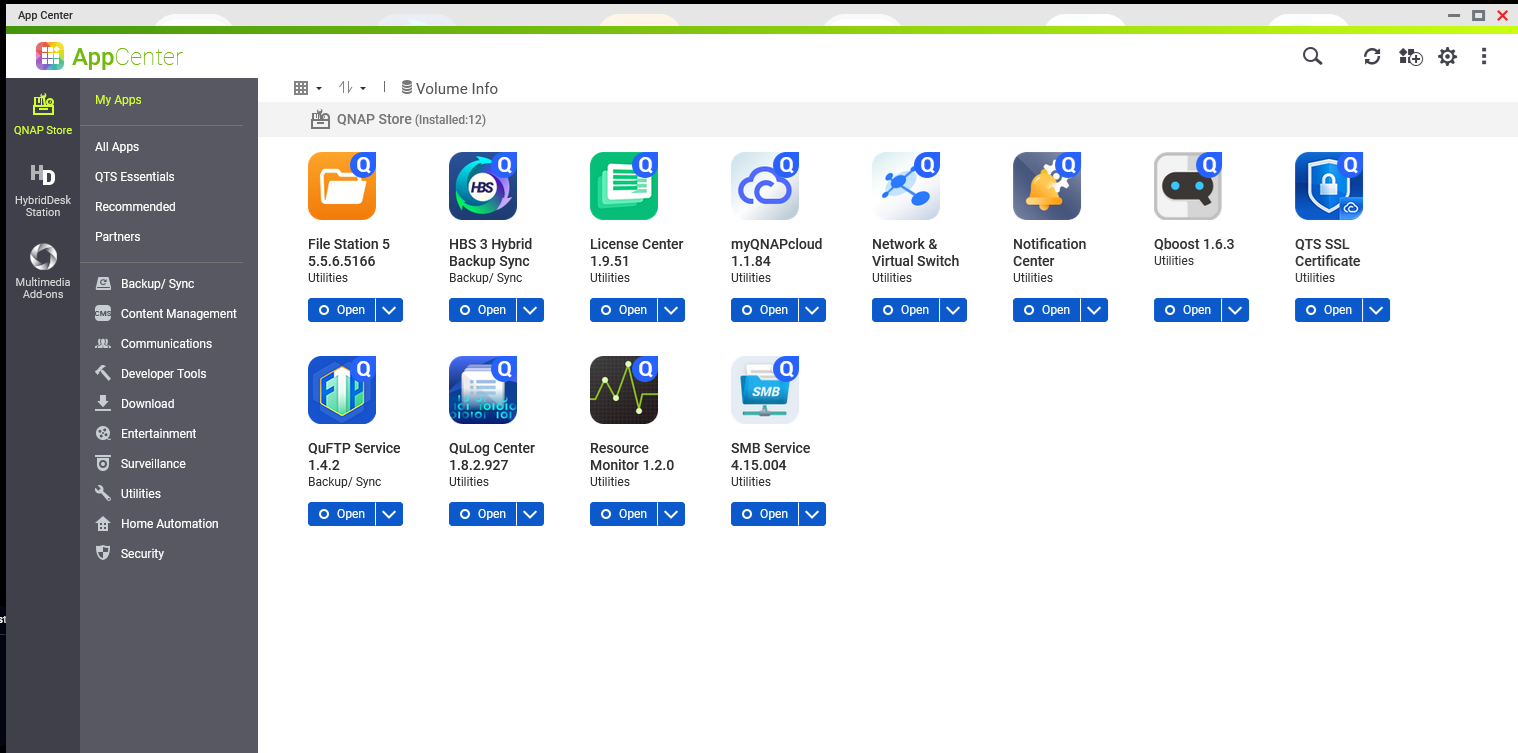
Here’s the proof on the pic attached with this message of what I just said. No Malware
Removal installed on my Qnap NASes. I have 3 Qnap NAS, Malware Removal” is not installed on them.So it can be done, but it’s a little bit of work, and caution.
Not removed, disabled, there’s a difference.
The reason why Malware Removal is not on your NAS, is because the Volume has not been created yet, but once created and if you are connected to the internet, it will download it automatically. So once you create the Volume, unplug your modem. See my other post, on how to remove Malware Removal completely from your NAS.
Not sure why you think Notification Center and QuLog center are worthless. While neither are very straightforward to use (and QNAP logging kinda sucks), they do function and I am gradually figuring out how to better utilize them to give me notifications that I need.
You steps are a LOT of effort just so that you don’t have a particular app installed.
But to each their own.
The point is that they should be “optional”. I have never used them and likely never will, so they just take up space. If you use them, great, but there should be an option to remove (or never install in the first place) items that don’t fit in a particular environment.
I wish Qnap would give us the option to install/uninstall the apps we want or don’t want. They’re worthless to me for the same reasons you stated. I’m sick and tired of these companies shoving down all these bloatware apps.
I also hate the Notice Board on the Qnap NAS. A constant eye sore. An app was installed, a hard drive was plugged, a hard drive was unplugged, failed to start, failed to download… on and on ,notifications after notifications after notifications. I wish we could disable all these notifications.
Seriously. You have TB of storage and are complaining about a few MB of space? Come on. Get over it.
Have you never had a backup fail and wanted to look in the logs to see what happened or some other issue? I bet you have. You likely “use” these apps and don’t even know.
And for that matter, do you feel the same way about all the “useless” extra apps in Windows or Linux that you “never” use? Every single OS has those apps that are part of the OS.
Seriously, multiple TBs of space an complaints over a few MBs… 
I would argue that logging is an essential part of any OS. Now, I don’t think QNAP does logging well, but should anything every happen to your NAS or any issues, I think you would be crying if you didn’t have a way to look that up.
The notice board is somewhat obnoxious. I will agree there. I’m always having to clear it out. I think it’s good for some things but should be customizable or I’ll agree with you - the user should be able to disable it.