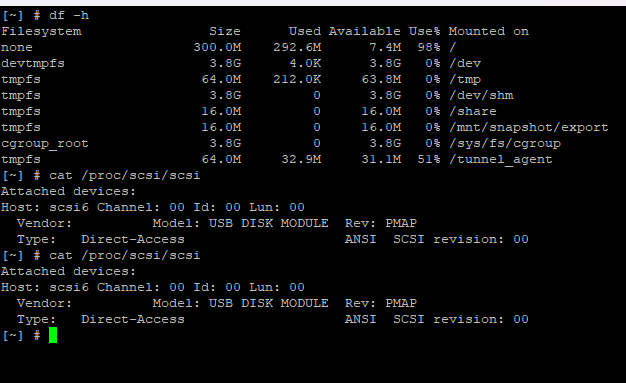
Hi New to this but I have purchased a TS-1079 Pro off ebay and seem to be getting this issue. I have put in soem 1tb WD Gold compatibe drives to test and its not identifying them. Main LED Flashing Green. I have updated the firmware to the latest available but still gettingthe same . I have SSH in and get the same as the gent is getting here. On power up all the drive LED;s flash red and then they are off. I have tested Drives in another desktop and they all work ok
you can try to format the hard drives you are planning to setup part of the OS on. Sometime they may have other partitions and such and install process does not detect the HDD as clear to use for setup of OS.
Try to put the hdd into a pc or usb hdd bay and format them in windows etc. Only do this if you dont care about wiping the data off the hardrives.
Thanks for getting back to me but I have done this with all the hard drives put them in a pc, formated them , then wiped the pratitions clean a but still no luck. Even pulled out another brand new drive and inserted no luck . I can hear the drive spin up just not being seen even after multiple reboots
I think @Xanadude’s issue should perhaps be split into a separate post as he’s a new user of a QNAP bought on eBay that is showing similar issues to the OP but it is a different person and potentially different issue.
Just a update I have a DS-451D2 4Bay Nas thats is working and I use daily for mainly storage and QVPN and Plex Server - nothing wrong with it but was looking for more space and the 10 Bay TS-1079 Pro looked a good deal (LOL)
I have so far :
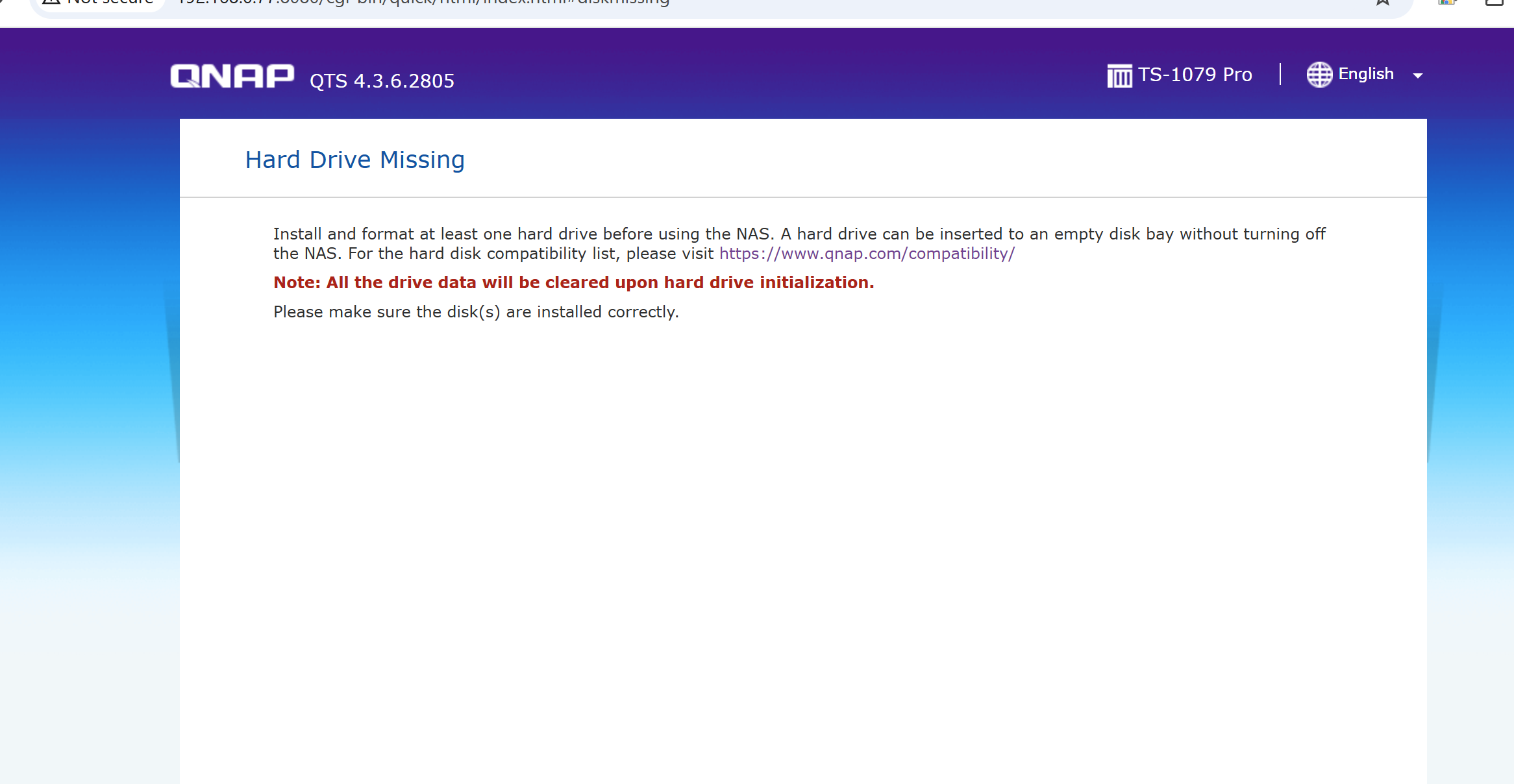
Powered Up Empty and got the initial needs at least 1 hard drive as expected
Installed a drive and rebooted but not visible but it is spinning up
checked compatibilty list and Changed to WD Gold drive 1TB thats on the lst but still not being seen (tried 4 of these as had them lying around but still nothing.
Had a brand new packaged Seagate Compatible drive installed that and still nothing
Put the hard drive into a PC and was able to format them with no issue, See them on the system and the remove all the partitions and put back int the NAS still the same
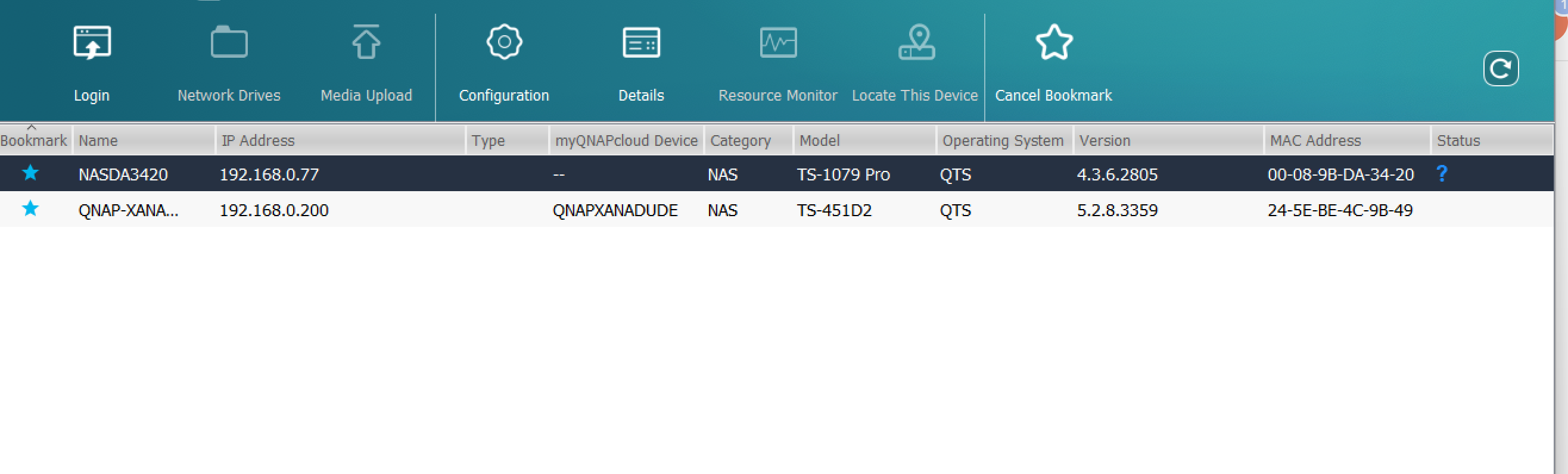
Used QFinder and its is visible on the network saying needs initialising but still get the No Hard Drive issue,
I have updated the firmware to the latest from Qnaps downloads and all boots up again but still the same issues
When it boots the backplate LEDs flash red then off and on completion of boot back to the No Drives
I have requested the guys I bought it from for any advice so waiting on their response before I look to request a refund (But would like to get it working)
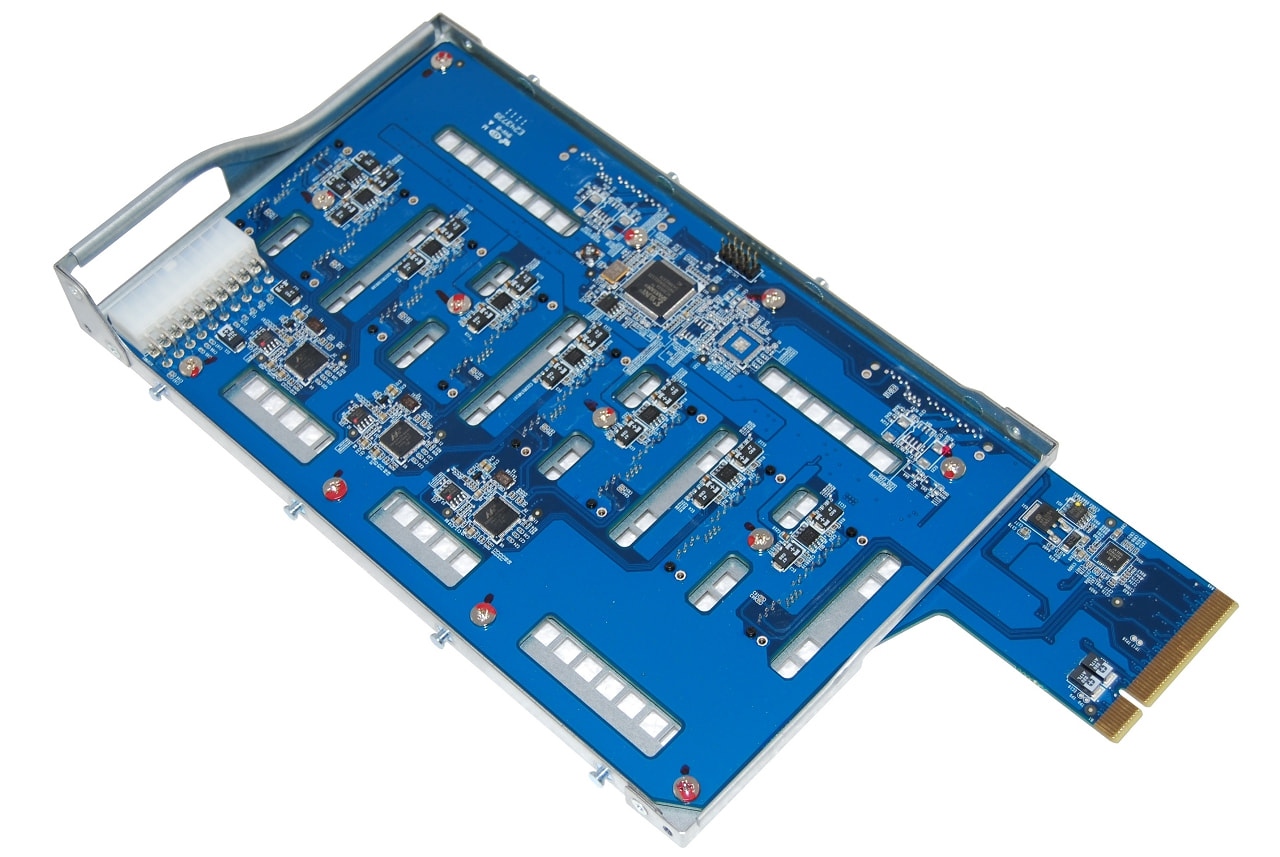
not sure you want to do this while waiting to determine a return for refund. but it could be that a cable became lose during shipping. If you are okay with removing the outer case, you can then look and reseat all the cable going into the hdd backplane. might get lucky and fix your issue.
Thanks I have had a peep inside and reseated the board power connector but still the same the LEDs flash red during the boot - I can hear drive spin up but its still not picking them up