With VS 4.0.0.278 i had the some promlem.
I removed the VS 4.0.0.278 and after the manually install from VS 4.0.0.256, all my VM`s are here.
I have a VM Backup
With VS 4.0.0.278 i had the some promlem.
I removed the VS 4.0.0.278 and after the manually install from VS 4.0.0.256, all my VM`s are here.
I have a VM Backup
so far all support has done, is quote back to me the ticket I opened. Useless.
I see 4.1.1.81 has been pulled, im getting memory issues with Windows 11 VM’s, it will shortly after reboot fill all memory allocated to the VM (shows in Win 11 Task Manager), causes the VM then to swap memory and generally slow down. 100% this version as I have second mirror QNAP on .338 and they VM’s run fine.
Edit: have since reverted back by full un-install of VS then re-install .338 - luckily it picked up all settings and the original VM’s, although I had already restored them from backups onto my spare mirror QNAP, I was then going to migrate them back, but it wasnt needed. And can confirm no longer any memory issues. Eg on 4.1.1.81 I have Blue Iris running in a VM with 16Gb ram allocated, its starts up using about 7Gb then after an hour or so its maxed out all 16Gb, where as on .338 the VM is still sat on 7.5Gb used after 1.5 days.
Thank you all for your feedback and reports. Regarding the issues mentioned by users on the forum for this version, we have not yet been able to replicate them in our internal environments. However, as several users on the forum have reported these issues, we have taken the precautionary measure of withdrawing the version to ensure a smooth user experience for everyone.
We would like to extend a special thanks to those users who have opened support tickets and provided detailed information, which is invaluable to our investigation. We will release an updated version as soon as we complete our verification and identify the root cause. Thank you for your patience and understanding!
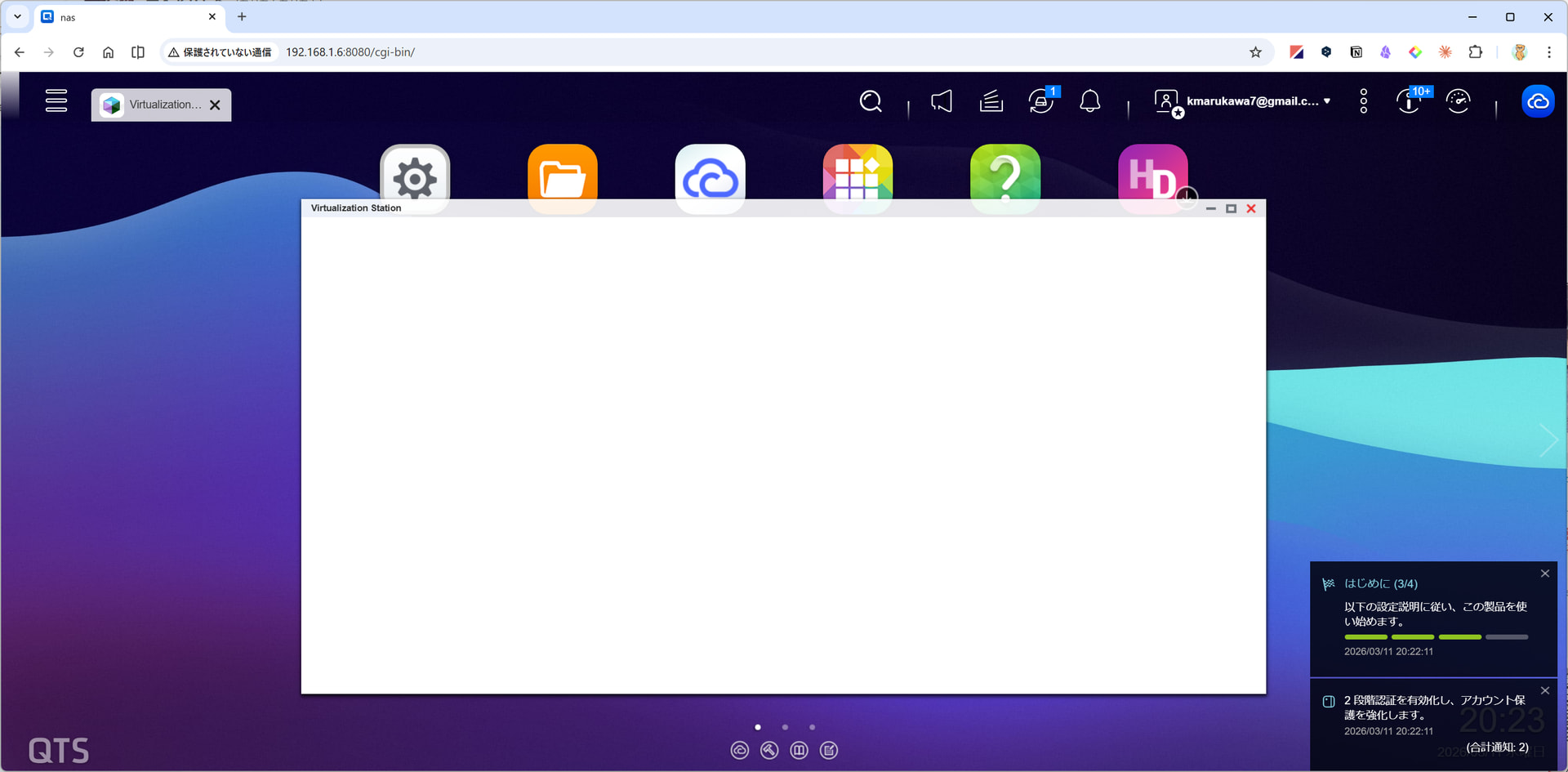
That is your browser.
Close the VS-window and open the VS again.
Thank you. I closed VS window several times, but it won’t help me. But, when I close NAS windows and open it again, the problem is solved. So, it is actually browser problem.
For me, hand installing VS 4.0.0.270 https://download.qnap.com/QPKG/QVS_4.0.0.270_20250314_amd64.zip solved my problem. Thank you @Becker2020 !
Support escalation applied some “hotfix” to my NAS and all is good so far.
“I heard back from escalation team.
They confirmed this is a known bug and the fix has already been hotfixed on your NAS.
Please restart Virtualization Station App to apply the changes and confirm that it now loads.”
I stopped the VM’s via the console for each.
Stopped VS
cleared memory and cache with QBoost
Restarted VS
Frontend displays correctly now.
I resumed and/or restarted the VM’s from the GUI.
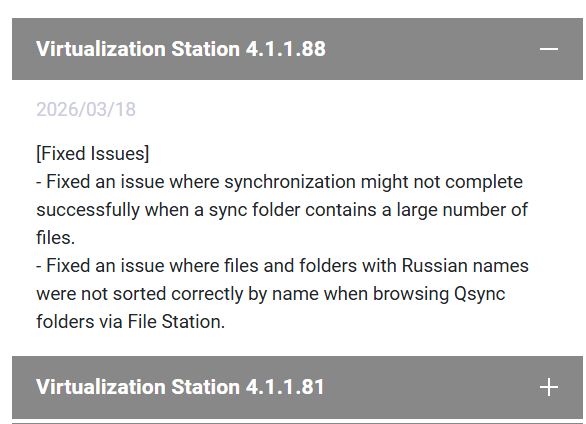
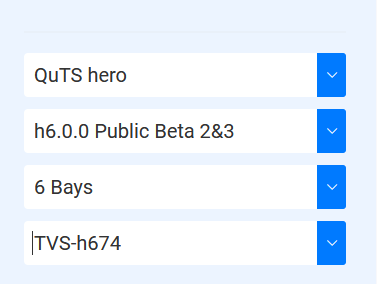
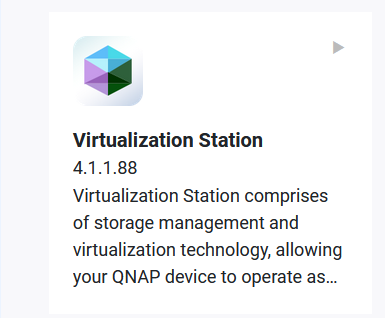
VS 4.1.1.88 is only for QuTShero 6 Beta
https://download.qnap.com/QPKG/QVS_4.1.1.88_20260304_amd64.zip