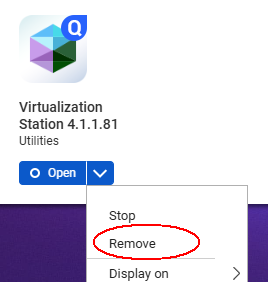
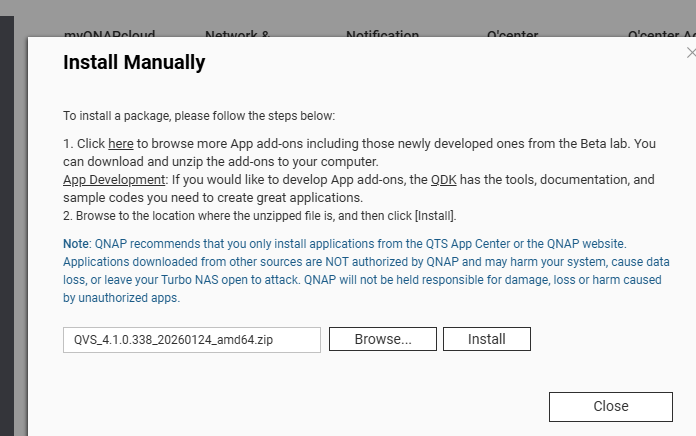
upgraded to virtualization station 4.1.1.81 this morning.
I turned off one VM and suspended another before upgrading.
Upgrade seemed to install fine with no issues.
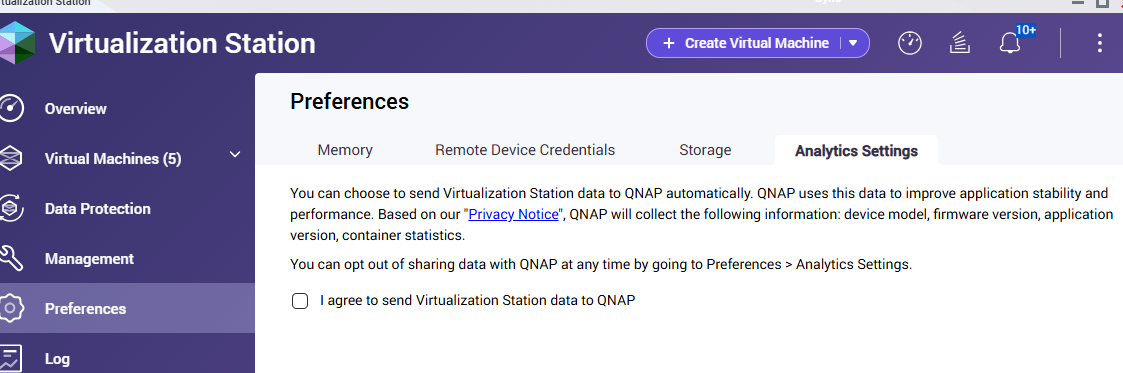
Lauched app after upgrade and was asked a question about if I wanted to send data back to QNAP, I said yes.
App never loads, just sits on loading screen with no vm in list.
In the logs there are three errors about three vm that couldn’t be suspended, but they were never running and haven’t been ran in years. They are archival copies of old Windows Servers.
I’ve stopped and restarte the service, no change, still won’t load.
Rebooted the entire NAS, still won’t load.
Tried to create a support ticket using Helpdesk app, but it gives an error that the helpdesk server can’t be reached. The internet to the NAS is fine, i’m remoted into it now from the internet.
I’m thinking it’s trying to send data back to QNAP since I said yes, but there is something wrong on their end and won’t time out on the send. The service is running, and notifications pop up in the background, but “loading” won’t go away and I can’t see any of the 7 VM to restart the 2 I need.
From time to time, the QVS application also kept showing me the loading spinner during startup and nothing happened. I tried logging in using a different browser (Chrome, as I normally use Safari), and QVS loaded without any problem there.
I’m having similar problem. My VS stucked with “loading” message. At that time, VS was showing “[Virtualization Station] Failed to suspend virtual machine “VMNAME”. Error message: ‘NoneType’ object has no attribute ‘state’.” This error had started after updating VS. I tried to uninstall VS and reinstall it again. Now, no error message. VS is just stucking with “loading” message. I’ve already cleared browser cache like @antik suggested. But, no luck. Is there any way to check configuration or something using ssh to NAS? Thank you!
@maru To clarify… I didn’t clear my browser cache, but I logged in using a completely different browser than the one I normally use. If you use Safari or Firefox, try logging into the NAS using Google Chrome. That has always worked for me and QVS then displayed normally.
But it’s possible that this only helps me Then of course I’d be interested to know if you’re resolving your situation with QNAP technical support, then what their solution ultimately helped your problematic situation.
Thank you very much for your report! Regarding the issue you described, we have conducted multiple internal tests and replication attempts across different environments, but have been unable to reproduce the same problem.
To help us further clarify the cause, we invite users experiencing this situation to open a support ticket. Our Support Team will assist you directly in diagnosing and resolving the issue. Thank you for your cooperation and understanding!

 Then of course I’d be interested to know if you’re resolving your situation with QNAP technical support, then what their solution ultimately helped your problematic situation.