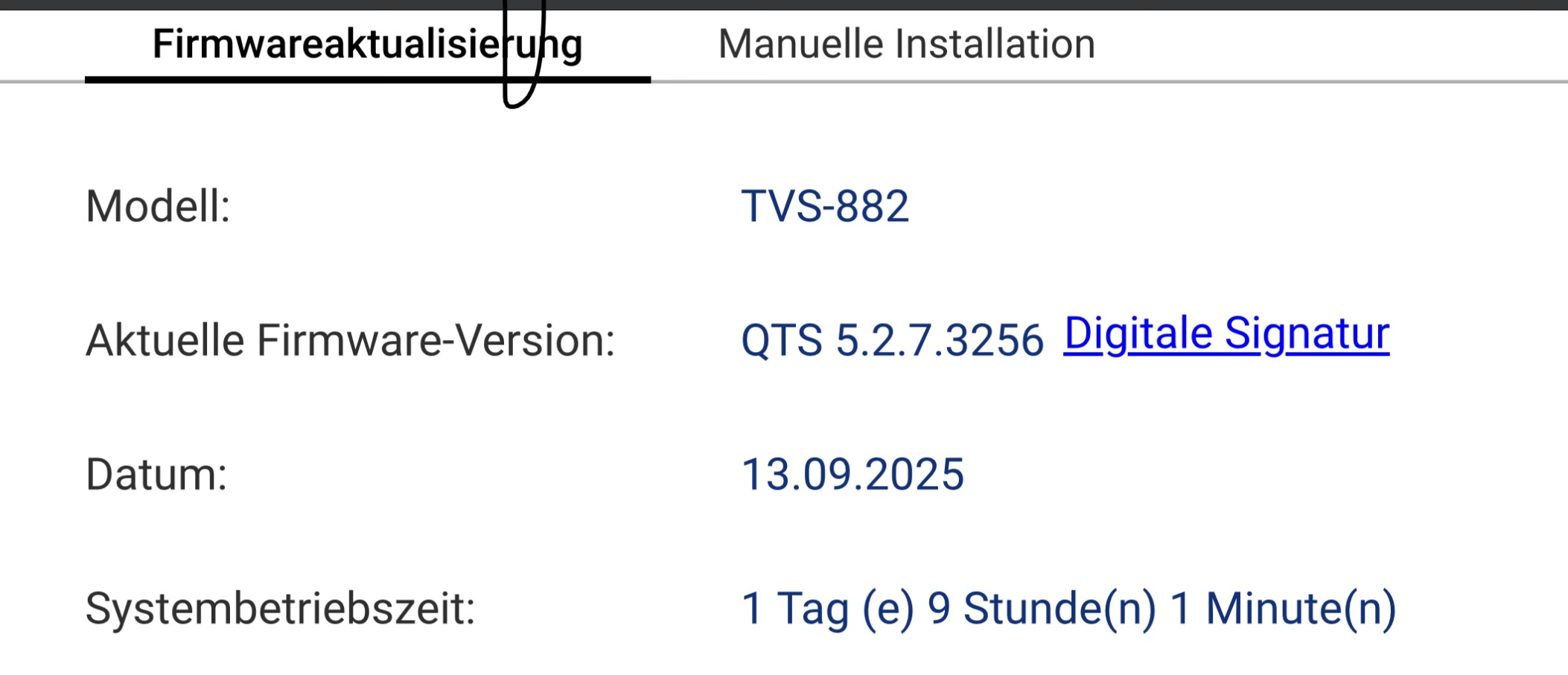
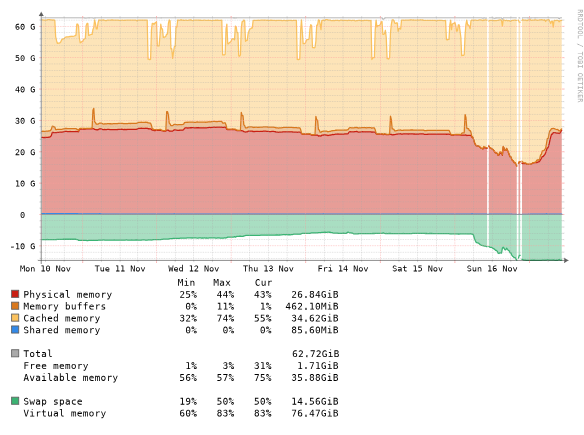
I am running a TVS-882 on the latest release with 64GB of memory.
Current memory consumption with all VMs and Docker containers running is around 50%.
What I am noticing is that the VMs are quite responsive after I reboot the NAS. Over time they become more and more unresponsive, which surfaces in the time required to log into the system, open the console (black screen for a couple of minutes before just showing the login screen), slow response times over the network, and so on.
When looking into the resource monitor, memory consumption is still 50%, CPU usage is near zero, and disk utilization is very low.
When looking into LibreNMS, this is just proven to be true—however, I do see some times connection losses (Libre is also running as a VM on the NAS) which indicate that I should reboot the NAS to restore performance.
Do you guys have any idea what the root cause may be?
Thats kind of a regular behavior. After restarting the NAS the VMs are quite performant it there is no issue to connect with mstsc.exe to the windows servers. After a few days they are that slow that mstsc.exe is not able to connect to them anymore due to timeout issues.
Connecting to the web console takes also ages and i see a black screen for minutes and not seconds.
I am currently trying to reboot the servers - and let you know what happens when I restarted windows without restarting the VM and shutting down windows and restarting the VM.
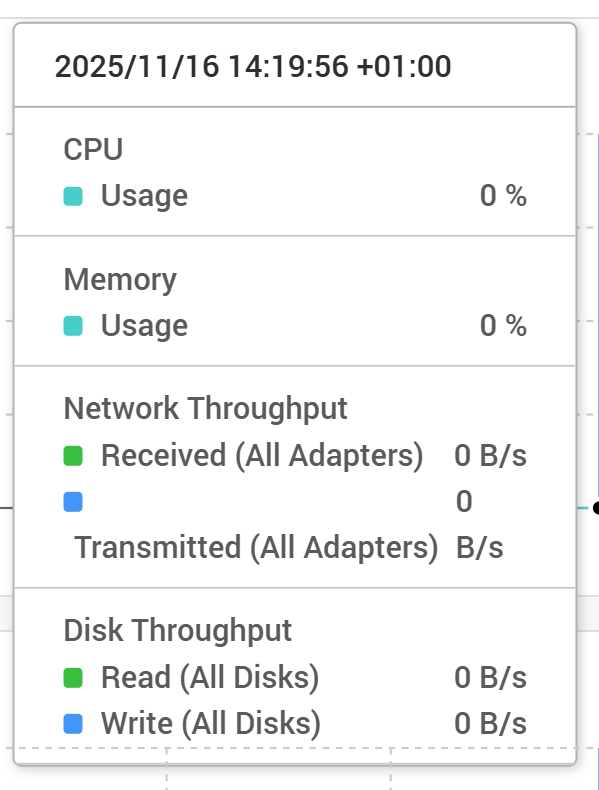
The most irritating I just noticed is the fact that the Monitor at each of the VMs doesn’t show any readings even though the VMs are running:
Rebooting the OS restores performance. Not to the degree of a rebooted NAS but hey - I can log into the system within a minute and don’t need 15 Minutes - that’s definitely significantly better.
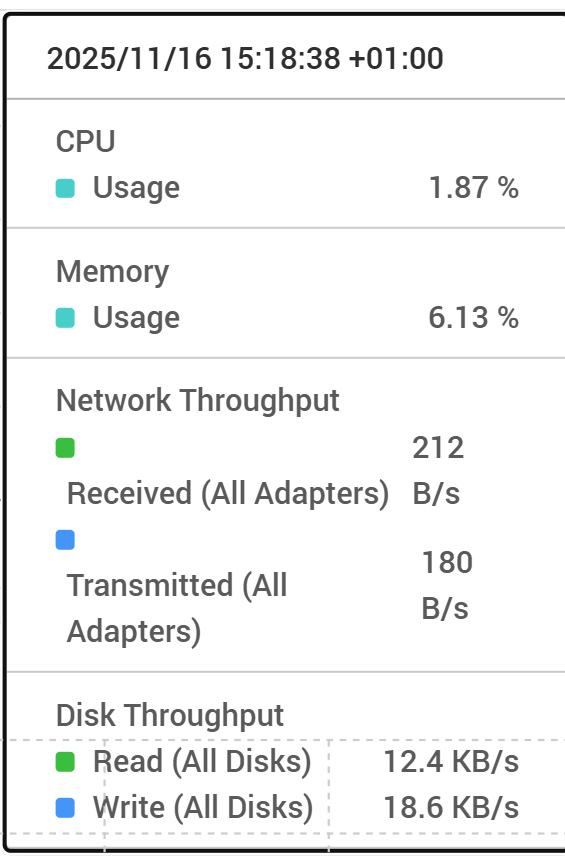
Also after reboot the measures are back in the Monitor:
Restarting the VM restores performance to the same degree as restarting the OS without VM.
As a sidenote - both of these servers provide my internal DNS services and due to a configuration error in the network I shut down the primary DNS server with no secondary configured. This lead to a really slow UI and just became better after the secondary DNS server was configured and reachable.
This brings me to the conclusion that the NAS OS probably relies heavily on DNS and if no DNS server is available it becomes very slow. Would that be possible?
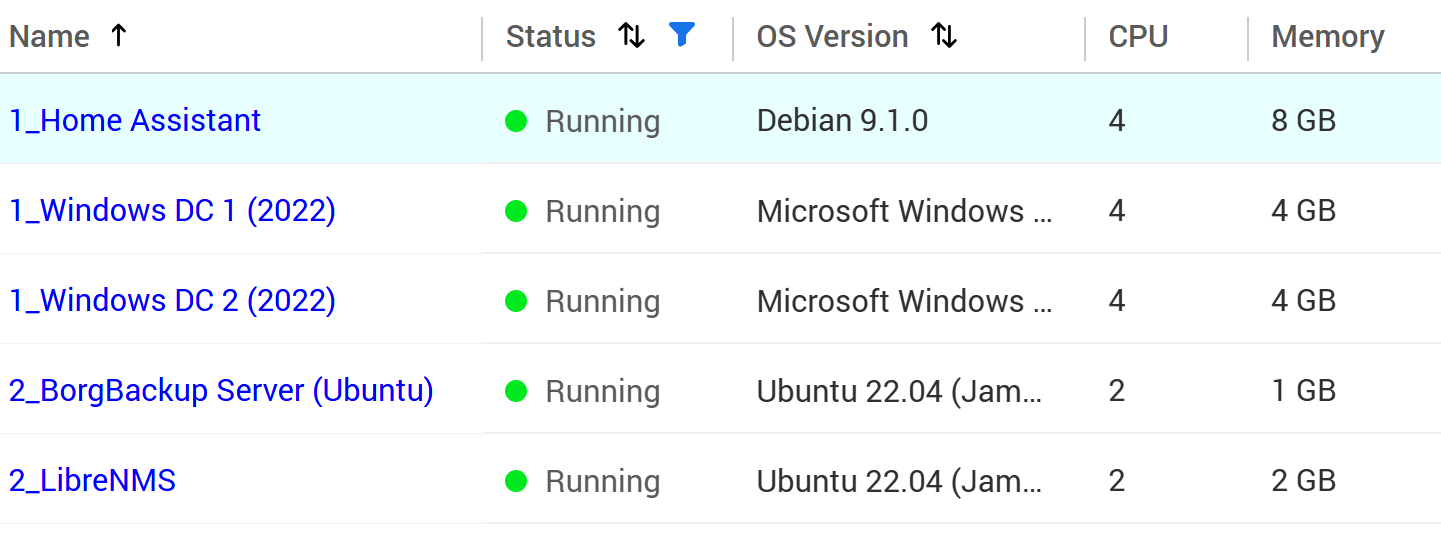
Could you let us know which VMs you are currently running and what the current memory configuration is?
If convenient, please share these details with us, or open a support ticket. Our Support Team can further analyze the issue with that information. Thanks!
I had a ticket open already - which where stopped as the initially used ram was not on the QNAP compatibility list. Then I switche 6 Month ago to brand new Kingston RAM to ensure that memory is not causing the issue. Unfortunately the new RAM didn’t change anything