Hi,
I need help to understand how does ZFS work on QNAP 'coz it seems i missed some crucial info (I apology if this is somewhat general knowledge that i haven’t know) so please bare with me.
Here is what i did with my QNAP TS-h2477AUX NAS.
At first i had only 6 * 18TB drives (Toshiba MG09) so i made pool/volume with those 6 drives as RAID 6 (4+2 for parity 'coz i need a lot off space so i can’t go with RAID 10, too much "lost space with already too expensive TB/$ in these days) and started copying files from my Synology sicne i have a lot of data (and lot of small files/images which normaly tahe time to transfer) and i started few days ago.
After few days I got another 3 drives (same 18TB Toshiba MG09) so i can cover up same 108TB volume like i have in my current Synology NAS.
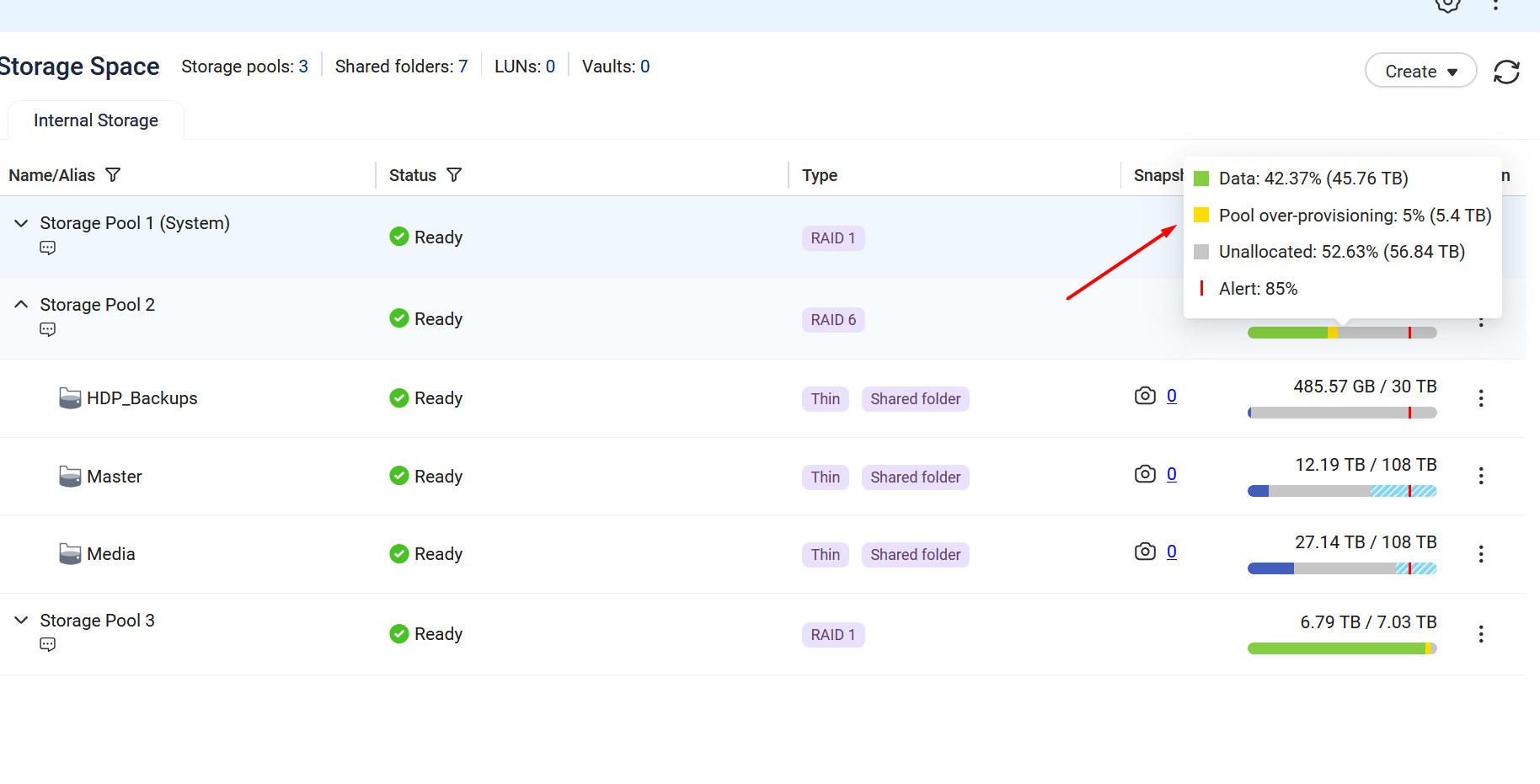
Then i Expanded my ZFS pool with those 3 new HDDs added in one go (i took about 15h to calculate/expand but it worked overnight and it was ready tomorrow) and i “gained” roughly 40TB more of space which is good/expected :).
So now my pool/volume contains 7+2 (RAID 6) and all seems to be working fine until i try to test speed and get surprised by slowness.
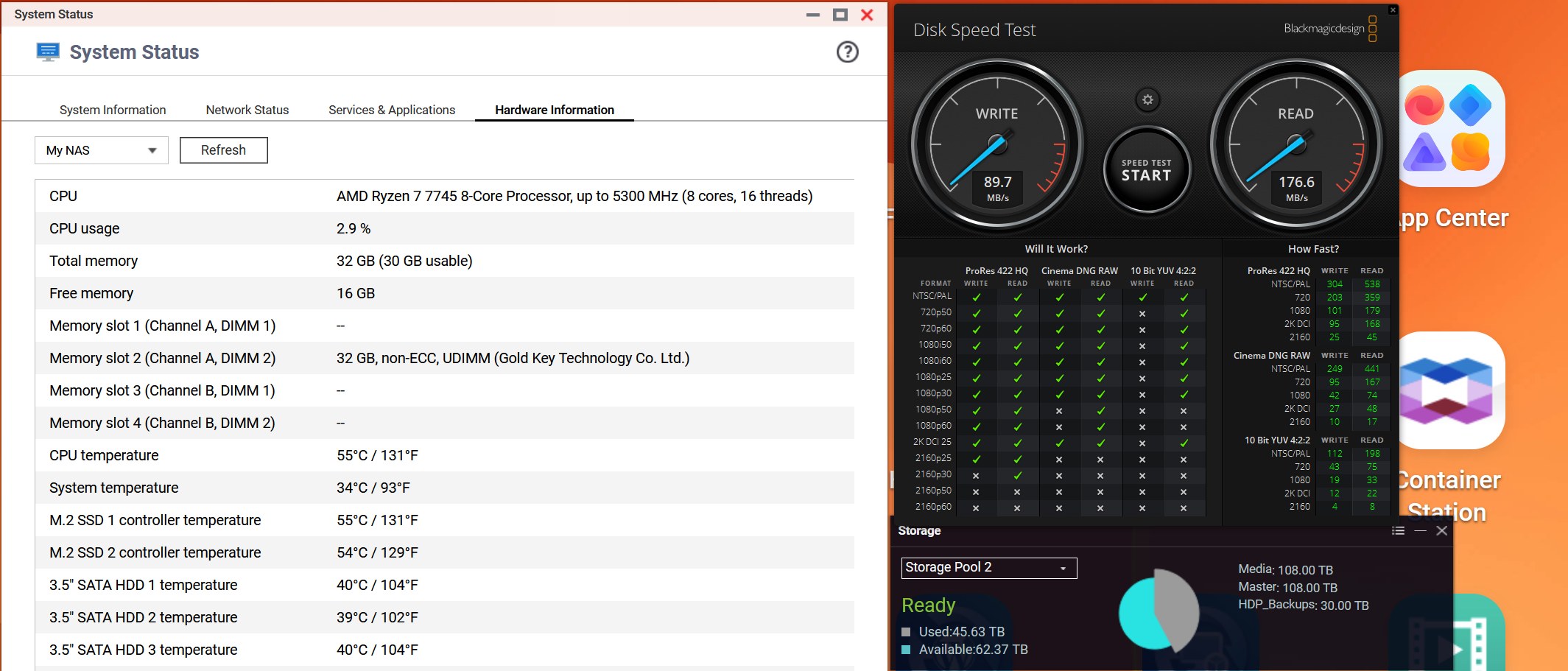
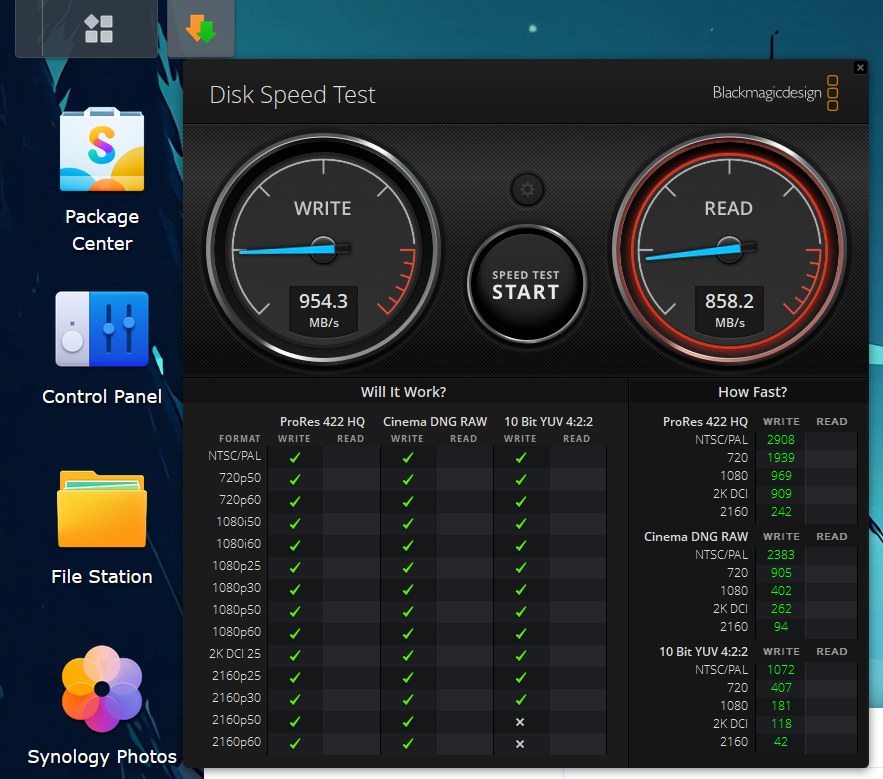
I use Black Magic Design Disk speed tool to see how fast i can pull data from NAS since i EDIT 4K videos from NAS in Davinci Resolve and to my surprise speed of QNAP (i have both 10Gbit LAN connections plugged into my 10Gbit switch and SMB multichannel is Auto/ON) is roughly 290MB Read and 450MB Write ?
I did expect much higher speeds (since my Synology with 8 drives (4*18TB + 4*22TB in SHR-2 (Basically Synology Raid 6 with mixed drive sizes) gives me 850MB Read and 900MB Write over same PC/switch combo where QNAP is also connected to.
So i wonder how is QNAP that much slower with 8x times stronger CPU and more RAM + apparently much better File System (ZFS vs BTRFS) ?
What did i do wrong?
Maybe something is wrong in my setup but this is way way too slow speeds.
I’ve checked online and among all the “AI nonsense” what Google spits out nowadays something might even be true. It says that RAID 6 with odd number of drives (9) might be the problem here so i should either go to 8 drives or buy 10th drive to gain back speed?
Any truth in that ?
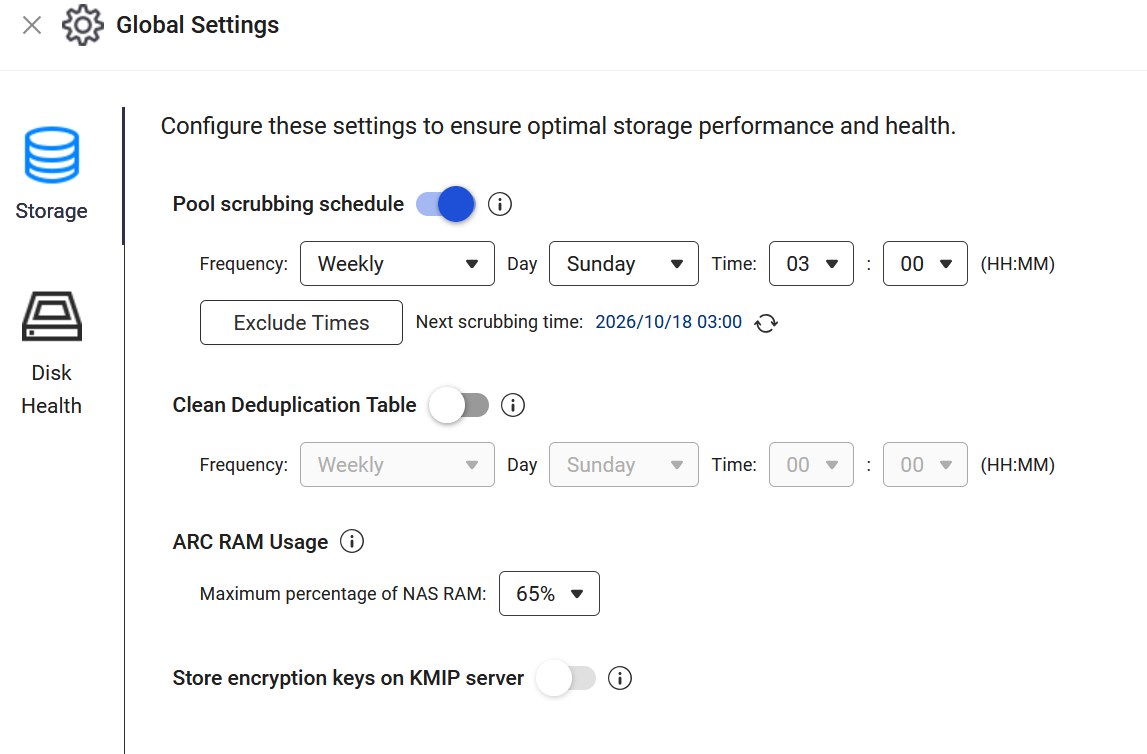
At some point it even says that i need to delete my volume and start from scratch with all disks inside due some “quirks” of how ZFS works but that has no sense to me 'coz then POOL expansion is basically useless if i can’t expand pool without rebuilding my Volume from scratch every time ? That surely has no sense - right ?
Please advise/help..
Thanks